
How to turn on a toolkit for a session
Steps in this video
Steps in this video
- Open Tools
- Find the toolkit
- Turn it on
- Check the count
- Ask again
How to give Athena the right toolkit
Steps in this video
Steps in this video
- Check what is on
- Find the toolkit
- Turn it on
- Ask for the document
- Open the selector options
- Choose Ask and wait
- Review the request
- Compare the two modes
Choose tools for a session
- Select the Tools button in the chat composer. Its tooltip is titled Agent Tools and its badge shows how many tools are on.
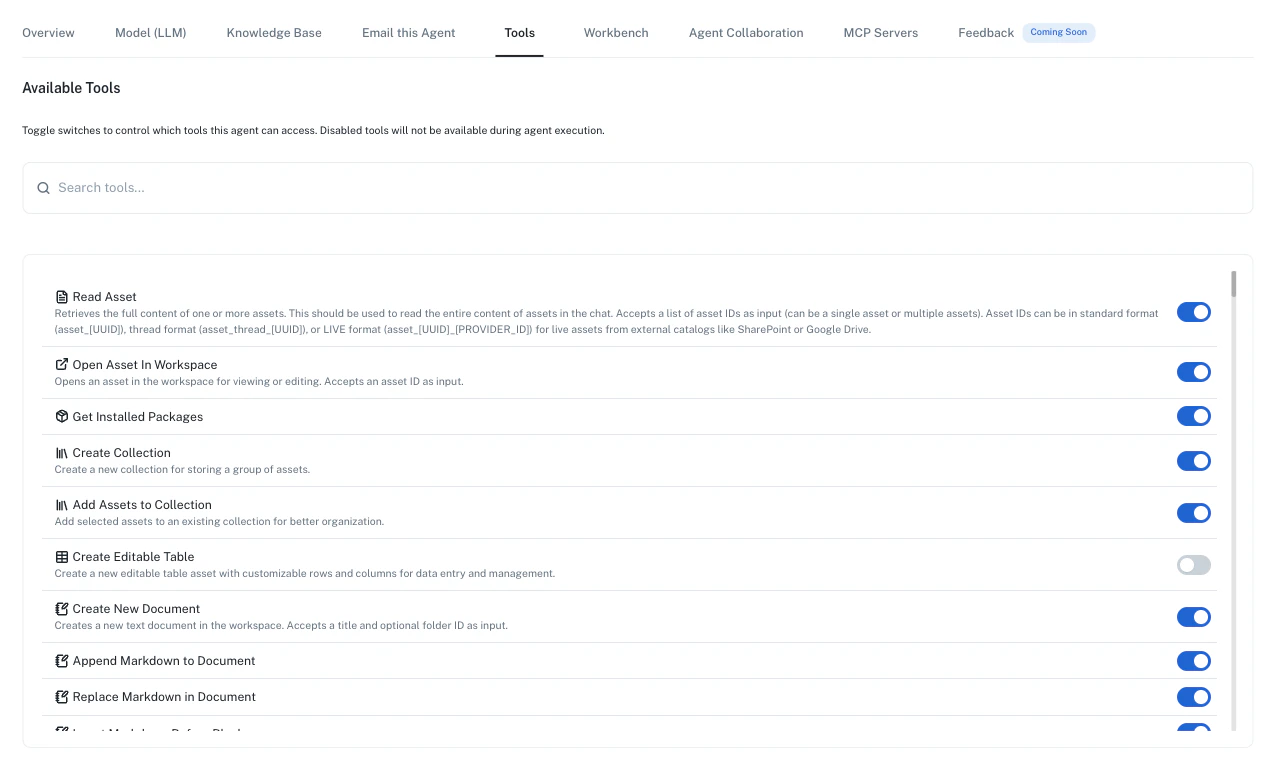
- Search for a toolkit and read its description.
- Enable the toolkit to enable its related tools together. You can also select individual tools.
- Check the enabled tool count, then send your request.
Let Athena select toolkits
Session Sandbox and Toolkit Selector start enabled in a new Athena session. Other agent configurations can differ. Toolkit Selector lets Athena discover, enable, and disable toolkits during a run. Toolkit Selector starts in auto mode, so Athena normally switches on the toolkits a request needs without asking. Use these steps to change that.- Mention Toolkit Selector in your prompt.
- Hover over the mention to open its options.
- Choose Ask and wait to review changes first, or Auto-select and proceed to let Athena change toolkits and continue.
- In Ask and wait, choose Pause until approval if Athena must wait for your decision.
Good to know
Turning off a toolkit does not remove a tool that another enabled toolkit or an individual selection still grants. Permanently enabled tools also remain available. In Athena sessions,read_asset remains available even when you disable the related toolkit. Reading still respects your asset permissions.
Enabling a toolkit does not grant access to another person’s assets or connected accounts. Your agent’s configuration, workspace capabilities, and connections can limit what appears in the menu.