

Security & Privacy
Athena’s email integration is designed with enterprise-grade security and user-level privacy in mind:- Per-user connection: Each user connects their own email account individually. Athena does not access any user’s mailbox unless that specific user has explicitly authorized the connection. No blanket access is granted across an organization.
- User-scoped data: Email data retrieved through the integration is scoped to the individual user who connected their account. Other workspace members cannot see or access another user’s emails unless explicitly shared.
- No persistent storage of email content: Athena does not bulk-download or permanently store the contents of your mailbox. Emails are retrieved on demand when you interact with Athena.
- OAuth 2.0 authentication: Connections use industry-standard OAuth 2.0 flows (via Google or Microsoft), meaning Athena never sees or stores your email password.
- Revocable at any time: Users can disconnect their email account from Athena at any time via Settings > Email, immediately revoking Athena’s access.
Workspace Owner Controls
Workspace owners and administrators have the ability to manage email connectivity across their organization:- Restrict email integration: Workspace owners can disable the email integration for the entire workspace, preventing any member from connecting their email account to Athena.
- Monitor connected accounts: Administrators can view which users have connected email accounts within the workspace.
- Enforce organizational policies: Organizations using Microsoft 365 can leverage Azure AD admin consent to control whether users are permitted to authorize Athena’s email access. See the Outlook admin approval process for details.
Features
AI-Powered Email Analysis
Athena can analyze your emails to extract key information, identify action items, summarize long threads, and provide insights into communication patterns. Use Athena to quickly understand the context of email conversations and prioritize responses based on importance and urgency.Smart Email Composition
Leverage Athena’s AI capabilities to draft professional emails, suggest responses to incoming messages, and refine your writing for tone and clarity. Athena can help you compose emails that reference documents, data, or previous conversations, ensuring your communications are comprehensive and well-informed.Email-Triggered Workflows
Configure workflows that automatically process incoming emails based on specific criteria. Use email triggers in Flows to automate responses, extract data from attachments, route messages to appropriate team members, or initiate business processes based on email content.Email-Triggered AI Workflows
Step-by-step Instructions
1
Integrate email client
- Gmail
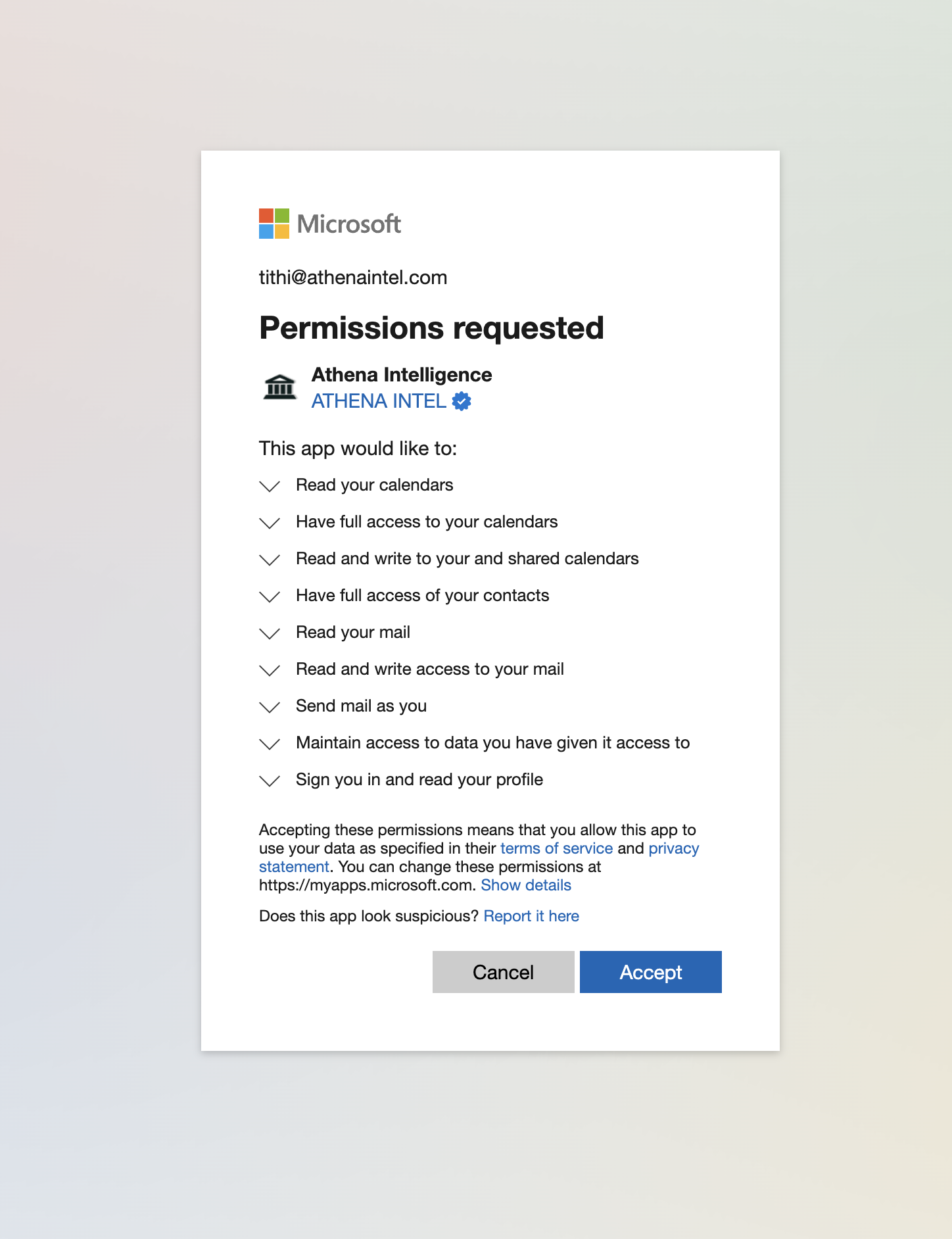
- Outlook
1
Connect your Gmail account
Navigate to Settings. Click on the Email tab. Select Gmail.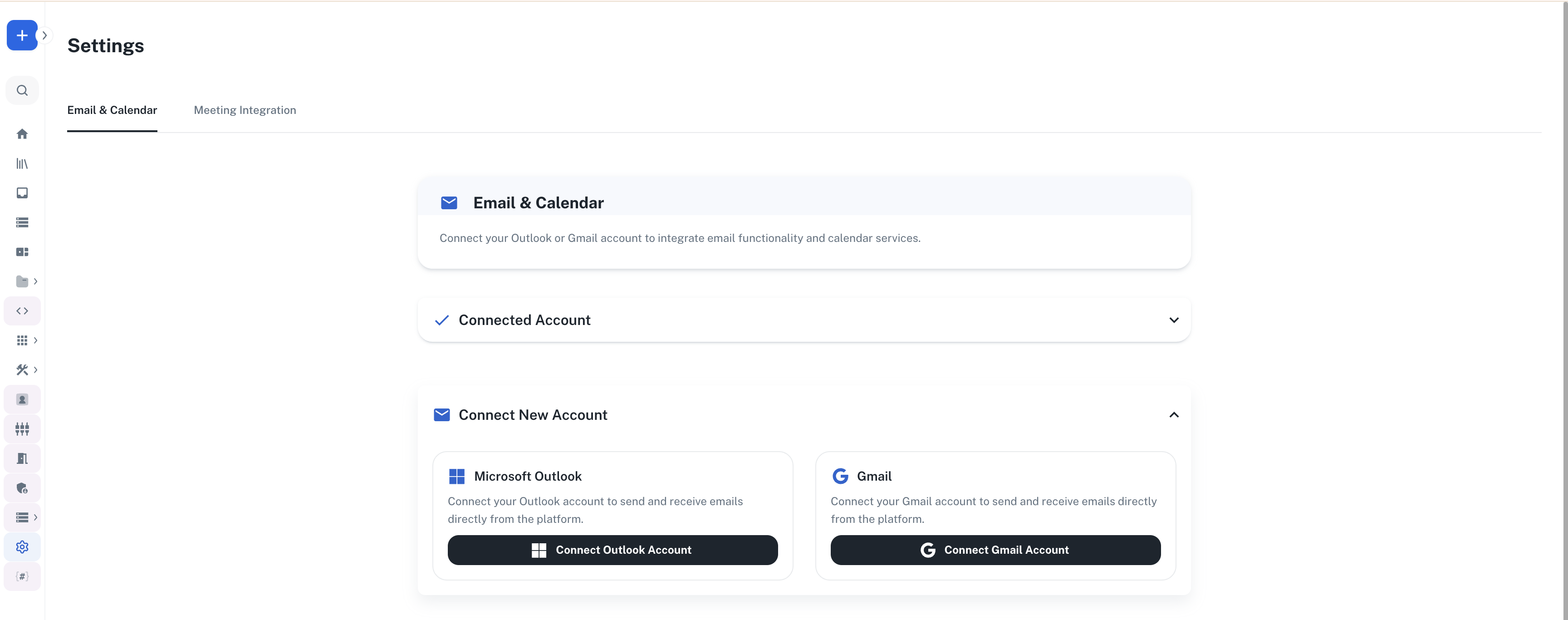
2
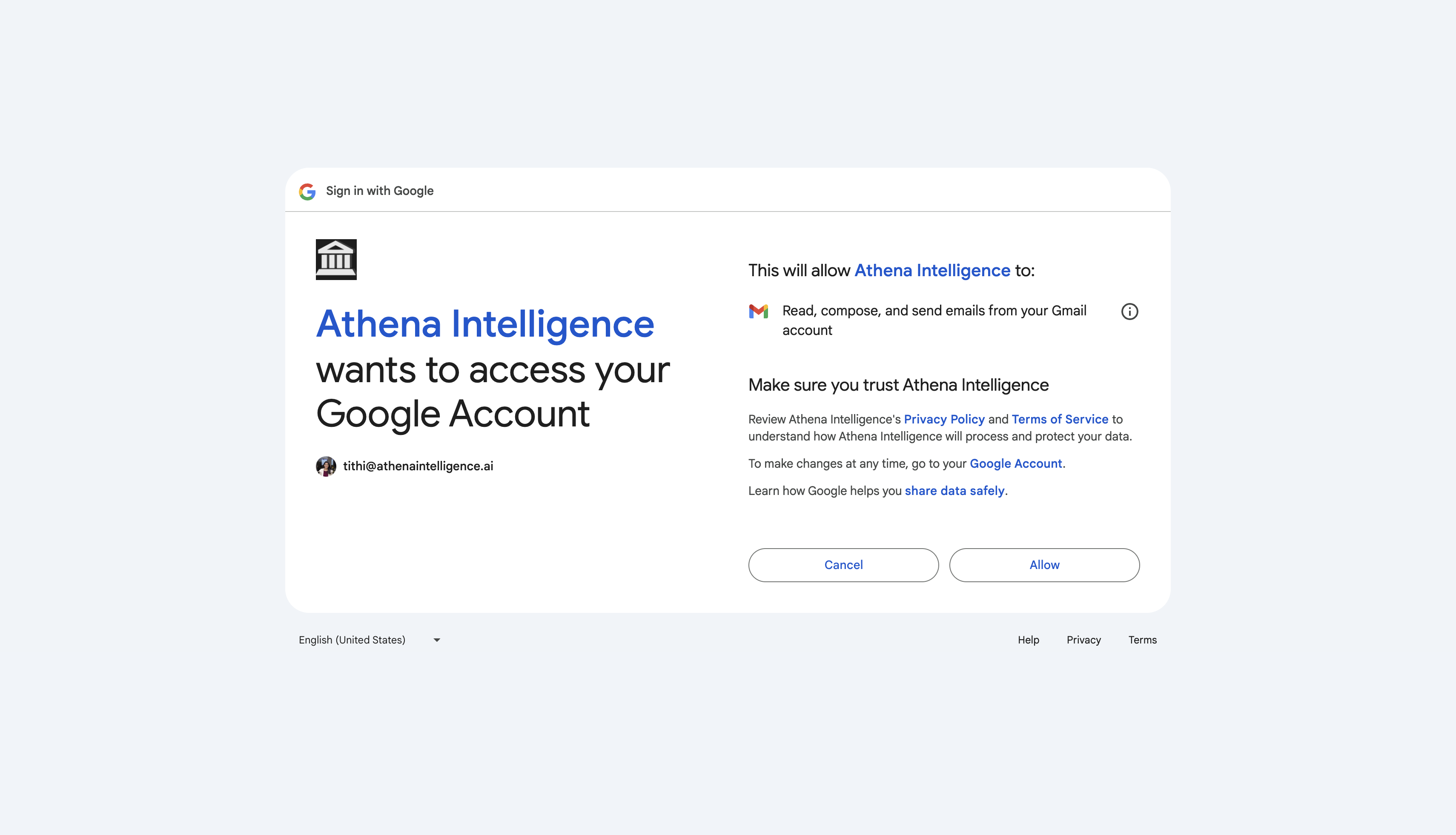
Authorize
Authorize Athena to access your Gmail account.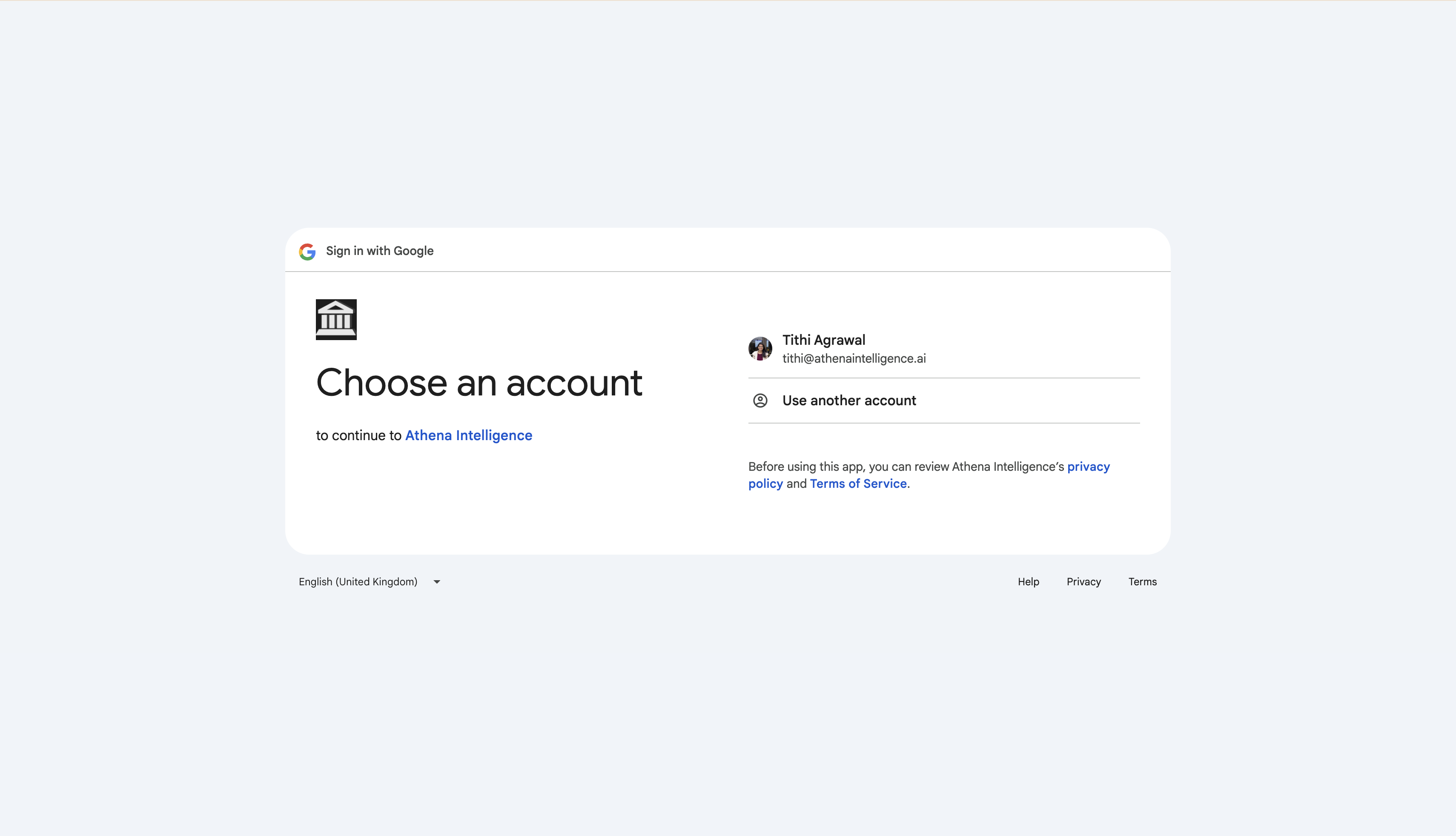
2
Search email
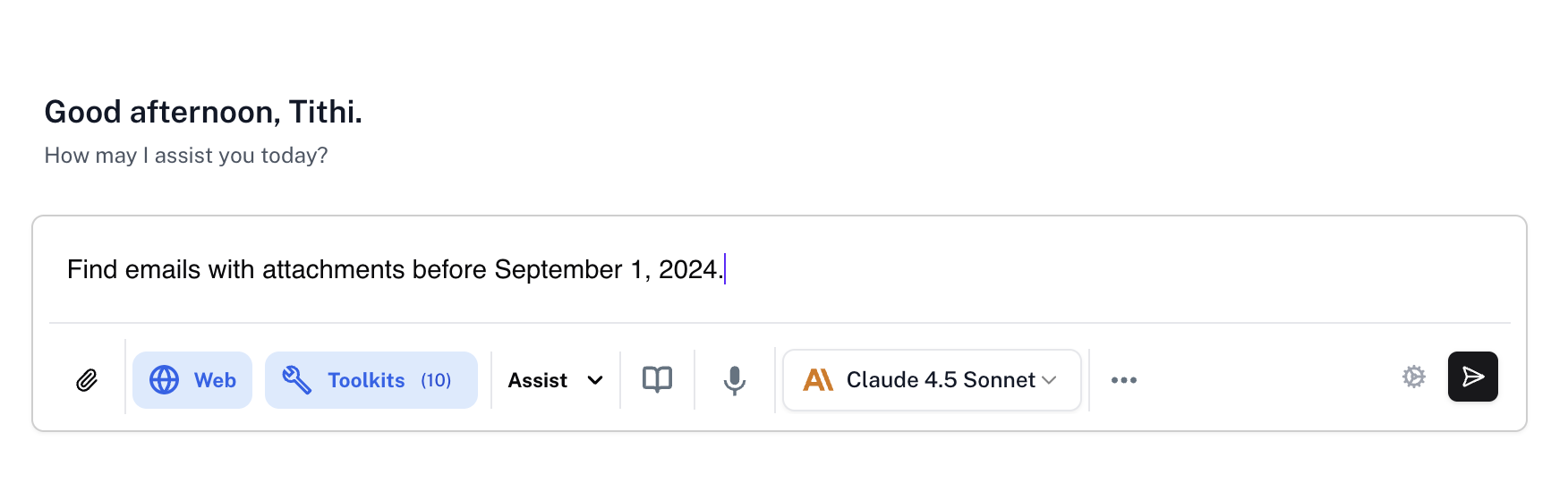
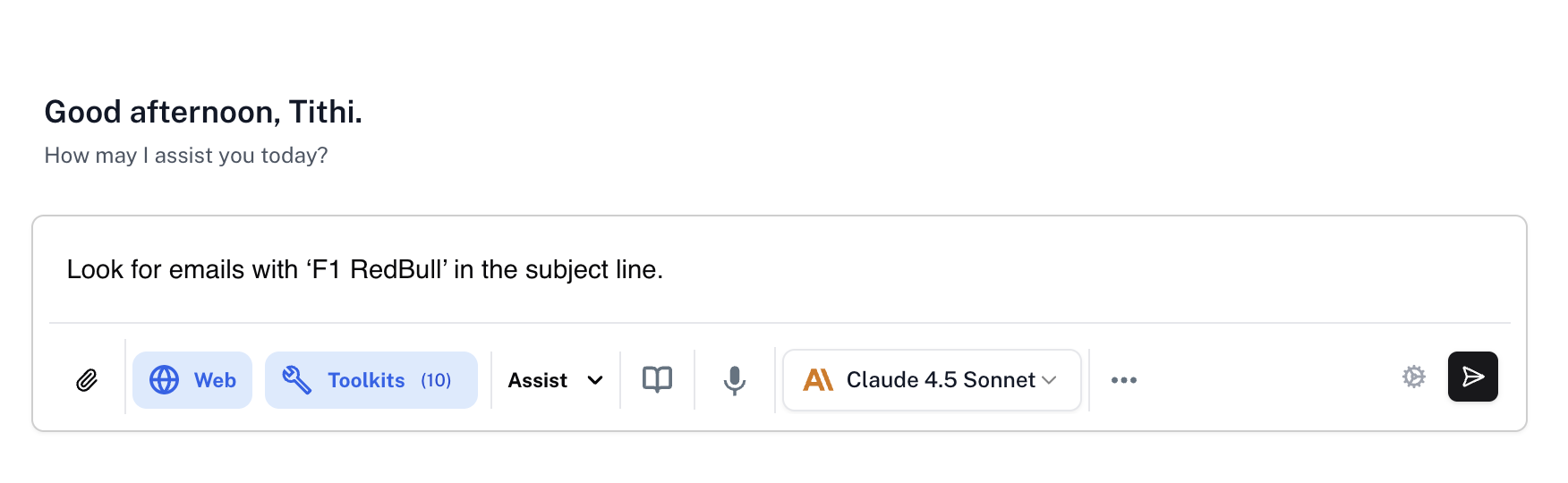
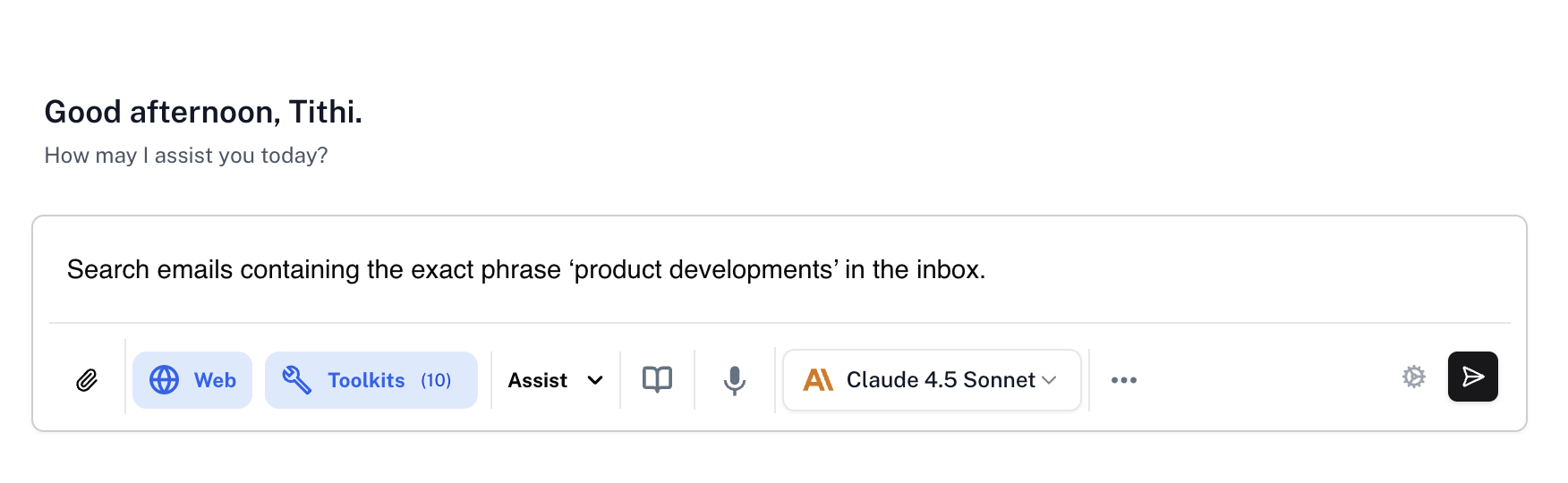
You can filter your email by various elements. In the Chat sidebar, enter the following prompts and press Enter.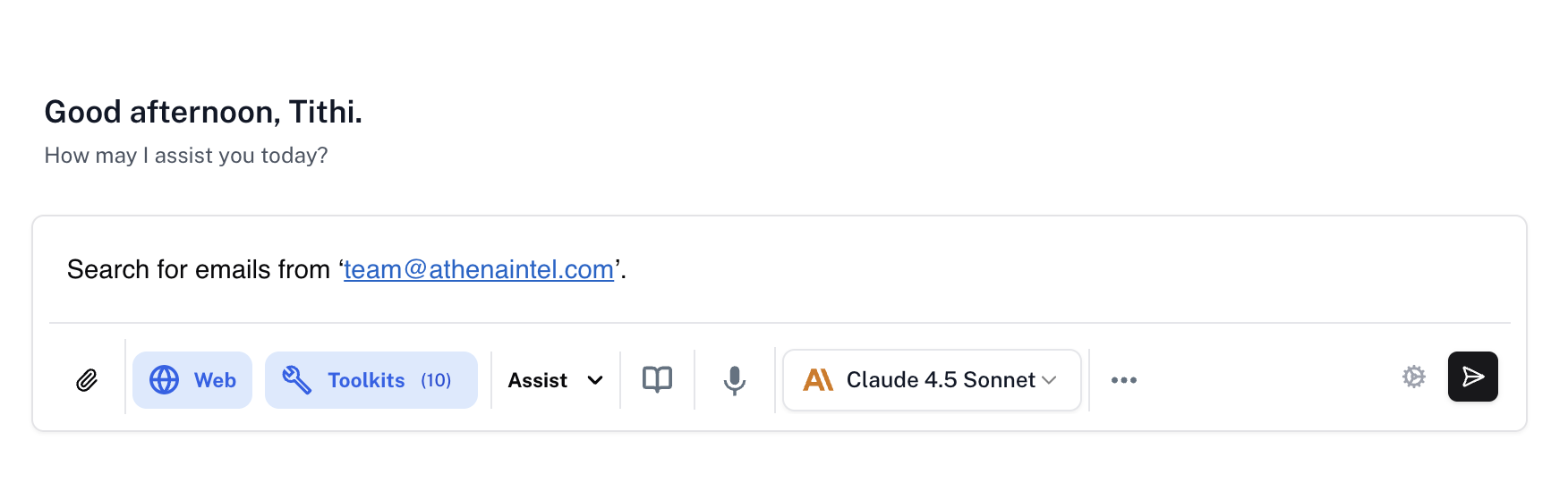
- Sender
- Attachment
- Subject
- Content
- Date
Prompt
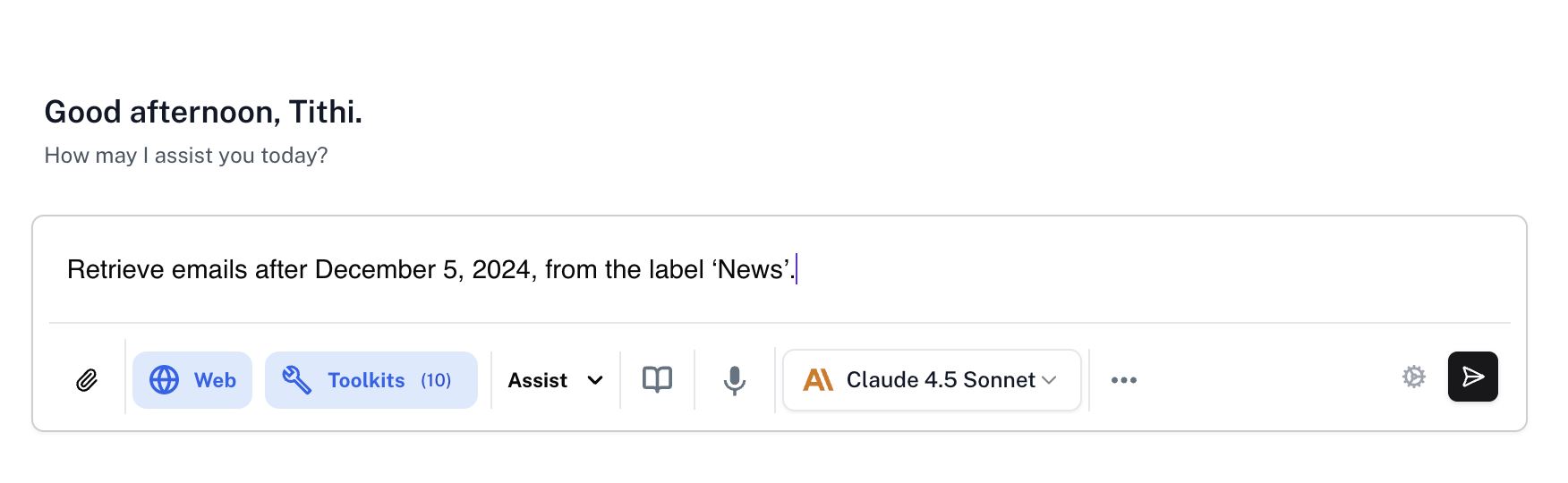
3
Create email drafts
Open Spaces. Open any document and summarize it using Chat. In the Chat, enter the following prompt and press Enter.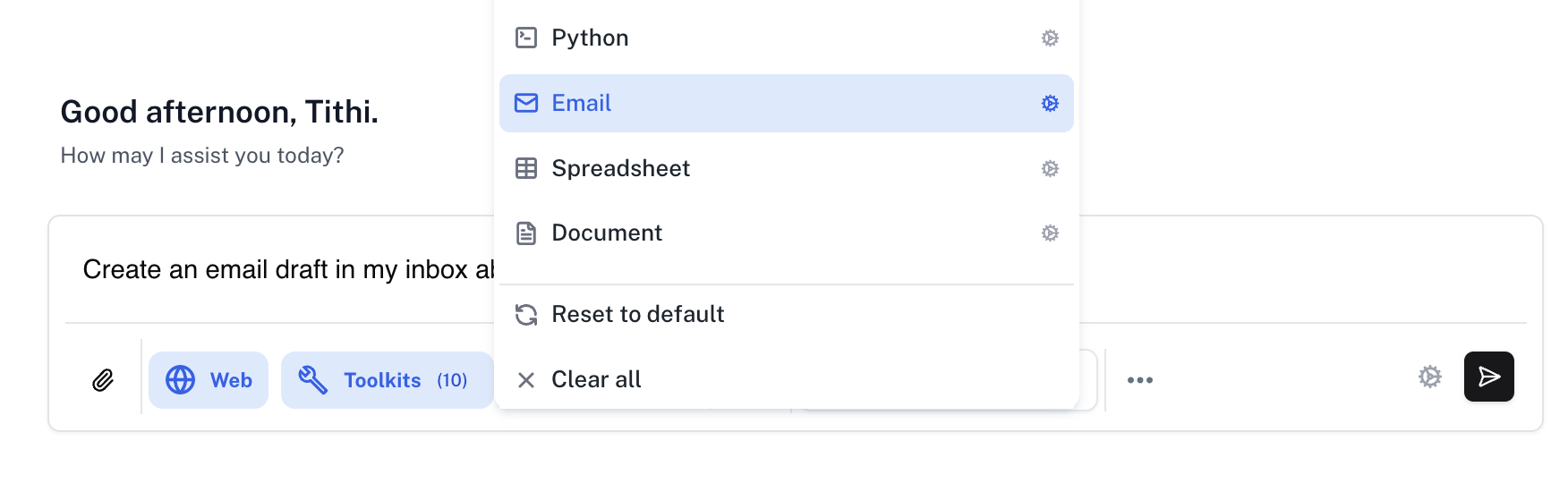
Prompt
Replace
your-file-name with the file you wish to attach to your email.