Documentation Index

Fetch the complete documentation index at: https://resources.athenaintel.com/llms.txt

Use this file to discover all available pages before exploring further.

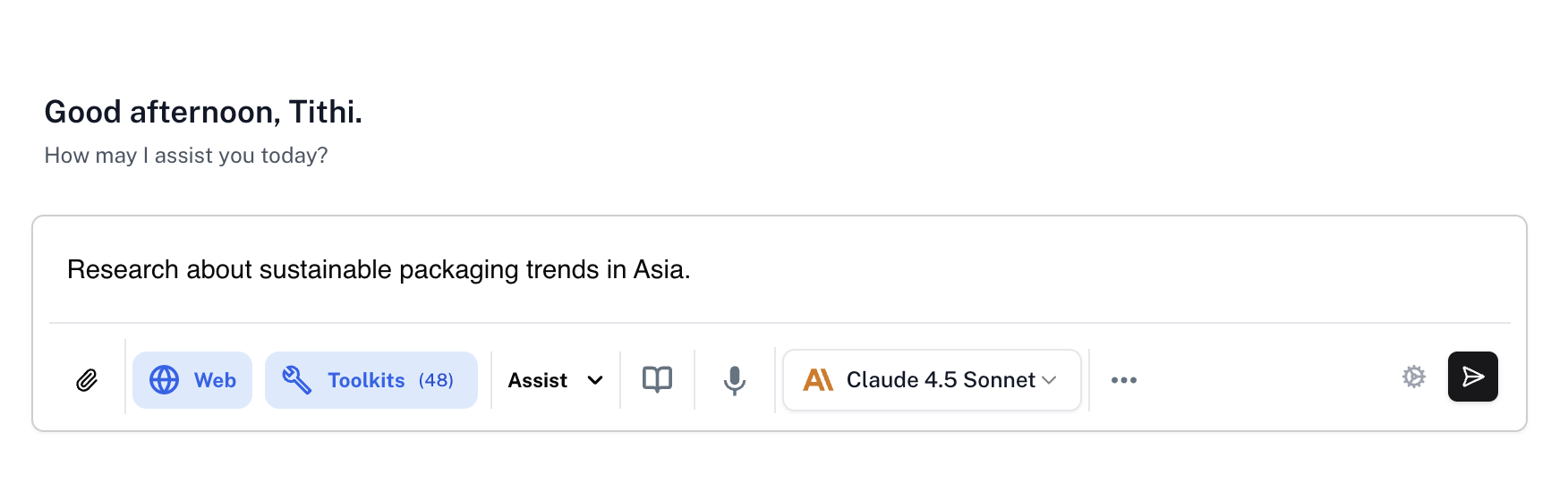
Athena offers advanced speech-to-text capabilities, allowing users to interact with Athena through voice commands. This enables you to simply speak your requests aloud, and Athena will convert your speech to text and execute your commands—making interaction more natural, efficient, and accessible.

How to use Athena Voice?

1

Navigate to Spaces

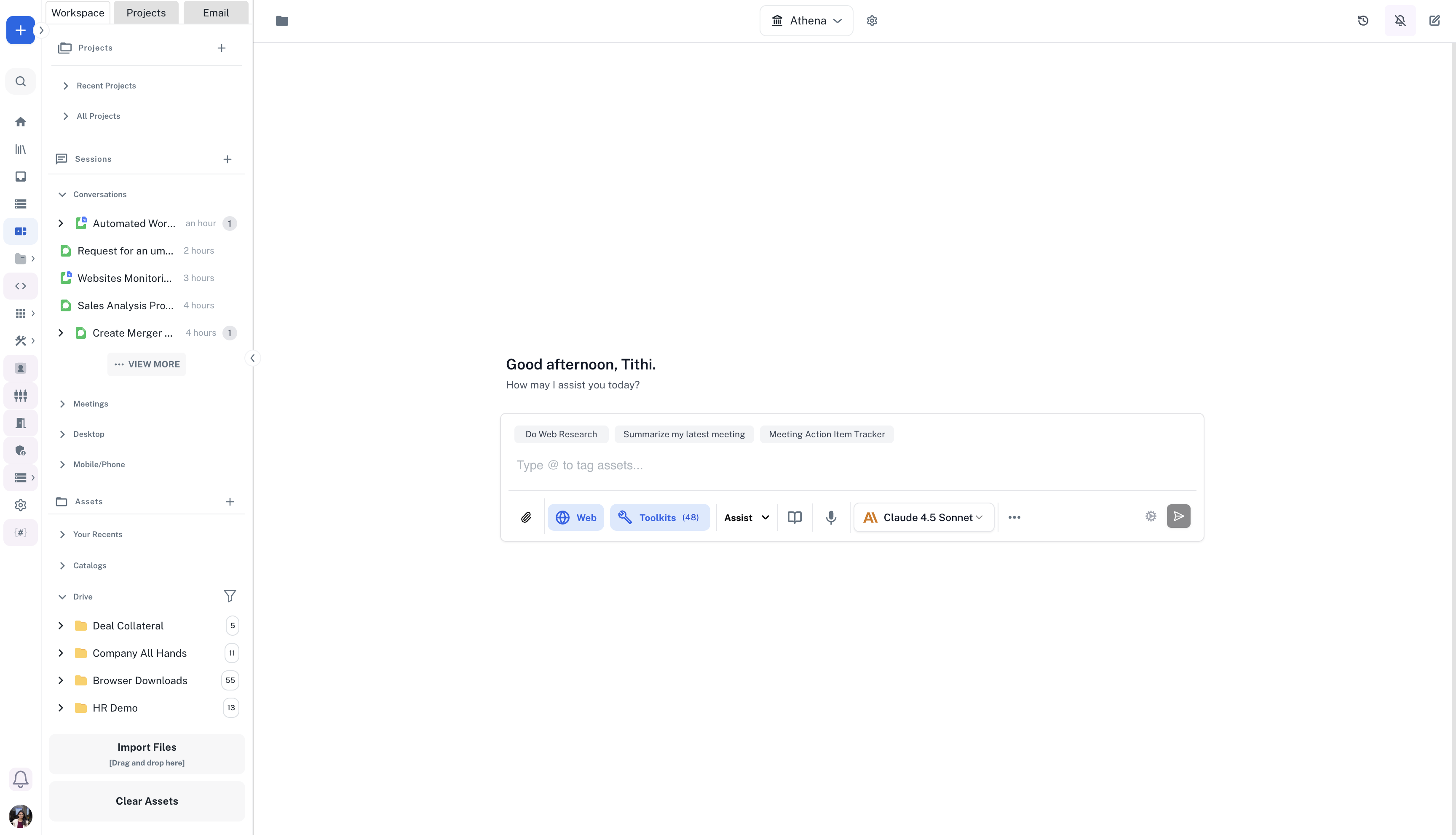
Navigate to Spaces from the applications sidebar on the left.
2

Activate Voice

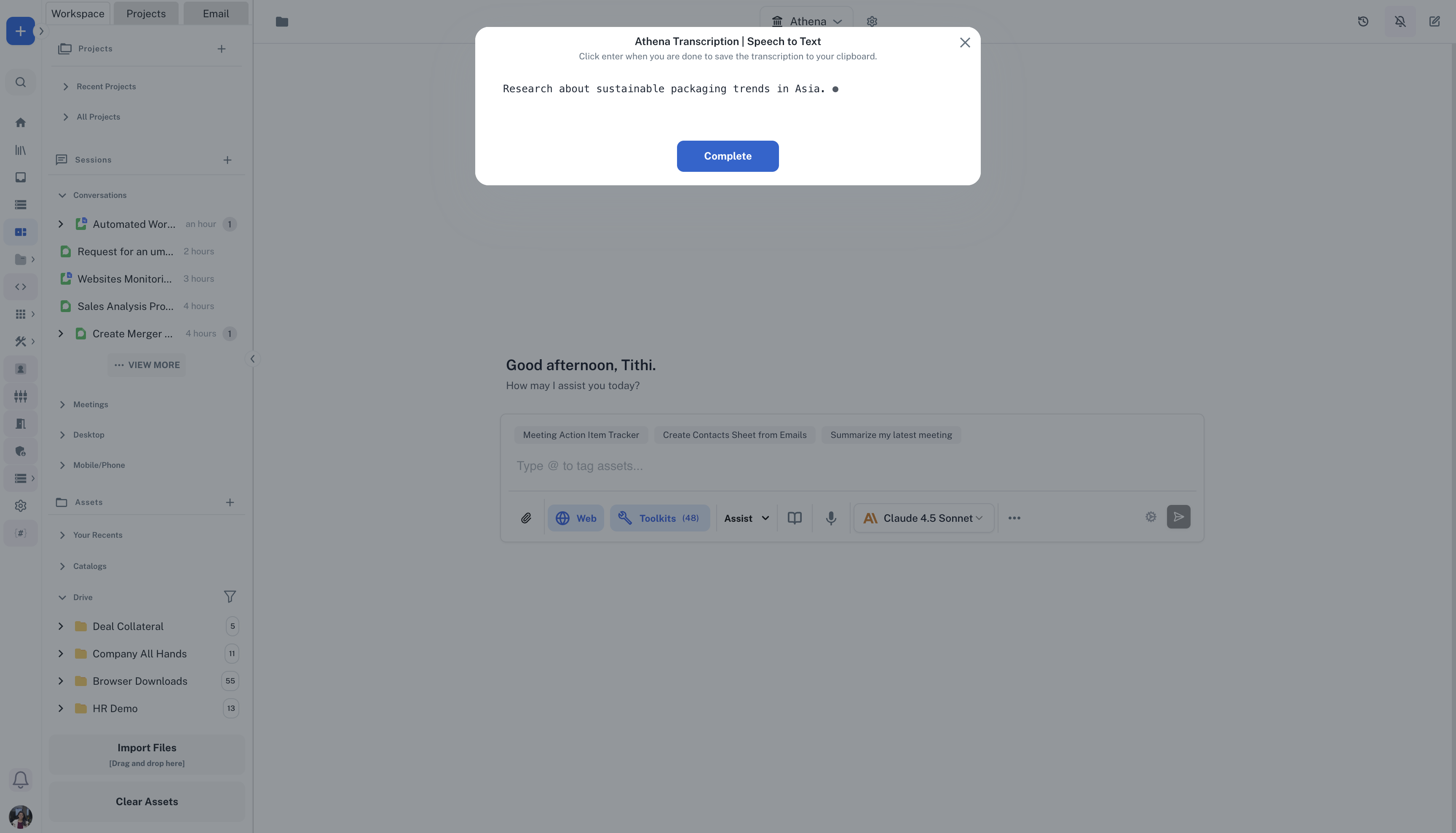
Hit Ctrl+Ctrl (double press the Ctrl button on your keyboard) and start speaking. Clearly state your question or command. Press Enter or click on Complete.
3

Execute

Press Enter or modify your request as per need.