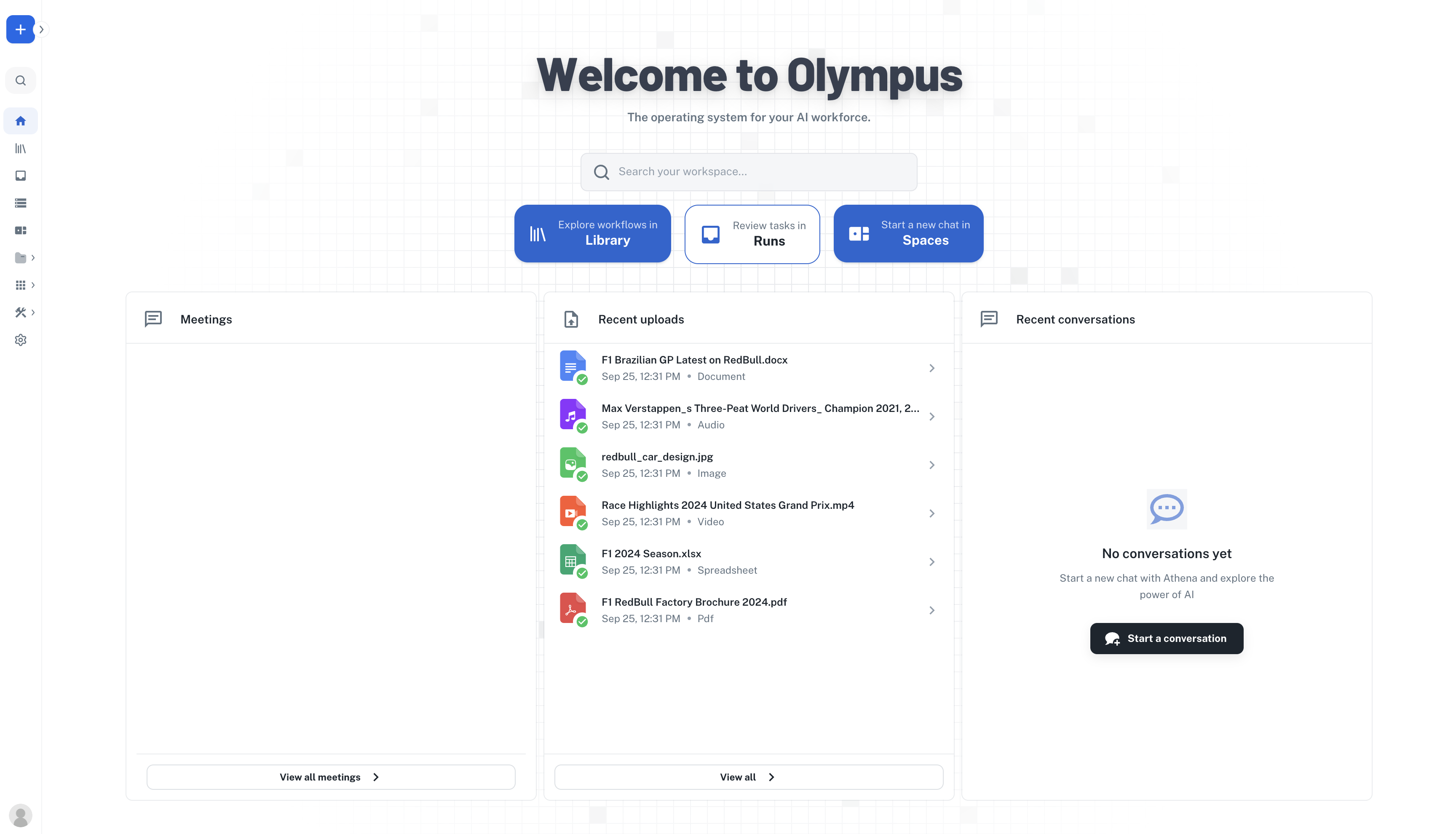
How to invite a teammate from Team and pick a role
Steps in this video
Steps in this video
- Open Team
- Invite by email
- Add her email
- Pick a role
- Send Invite
- Check she’s listed
How to create a group in workspace settings and share an AOP with it
Steps in this video
Steps in this video
- Open Workspace Settings
- Create the group
- Add the members
- Open Share on the AOP
- Pick the group
- Choose Can view
- Share
1
Get Access
Request account access by writing an email to team@athenaintel.com. You will get a Welcome email from Athena. Once you confirm your email and set your password, you should be all set.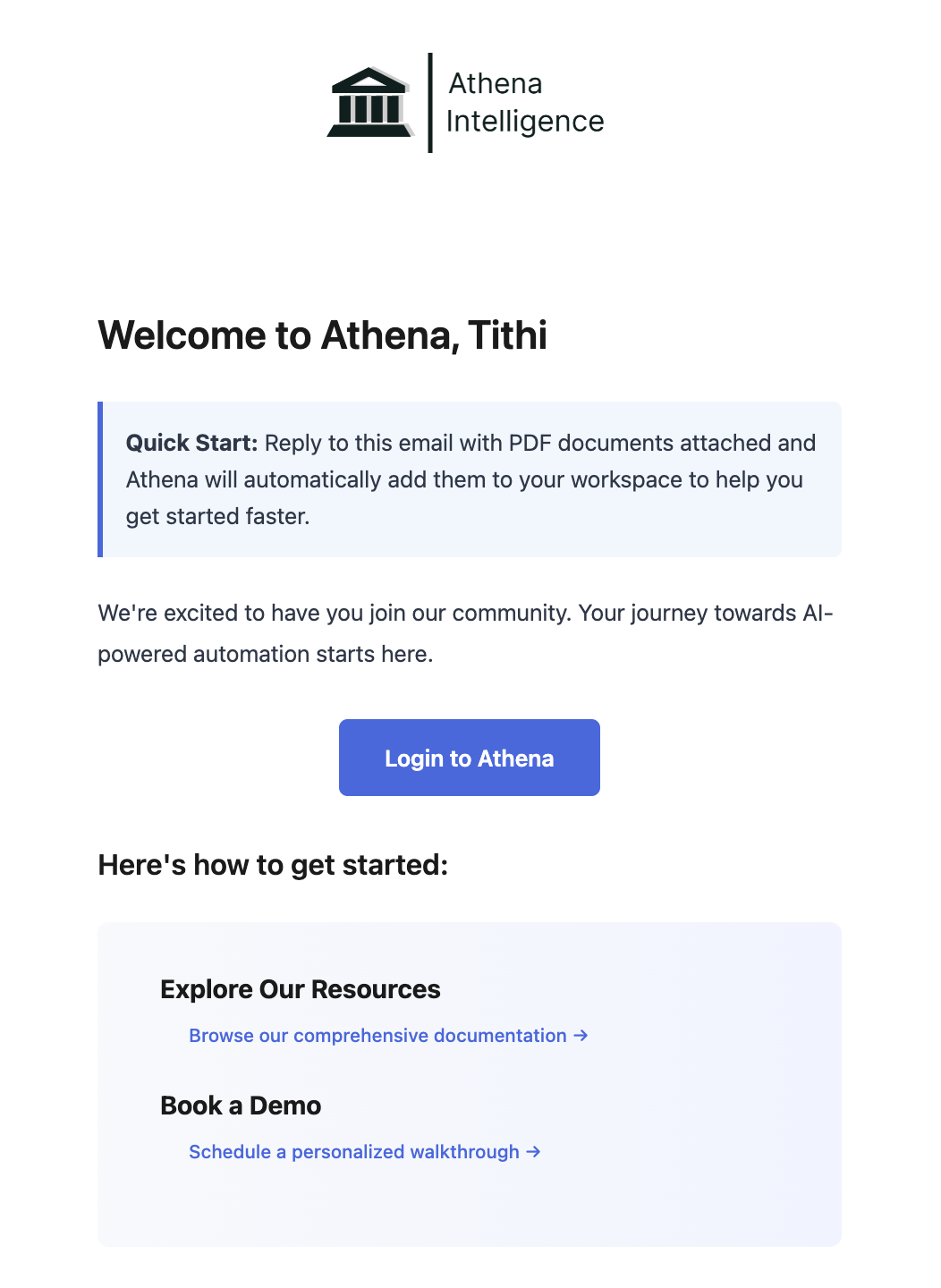
2
Login
Navigate to Olympus. Login using your credentials.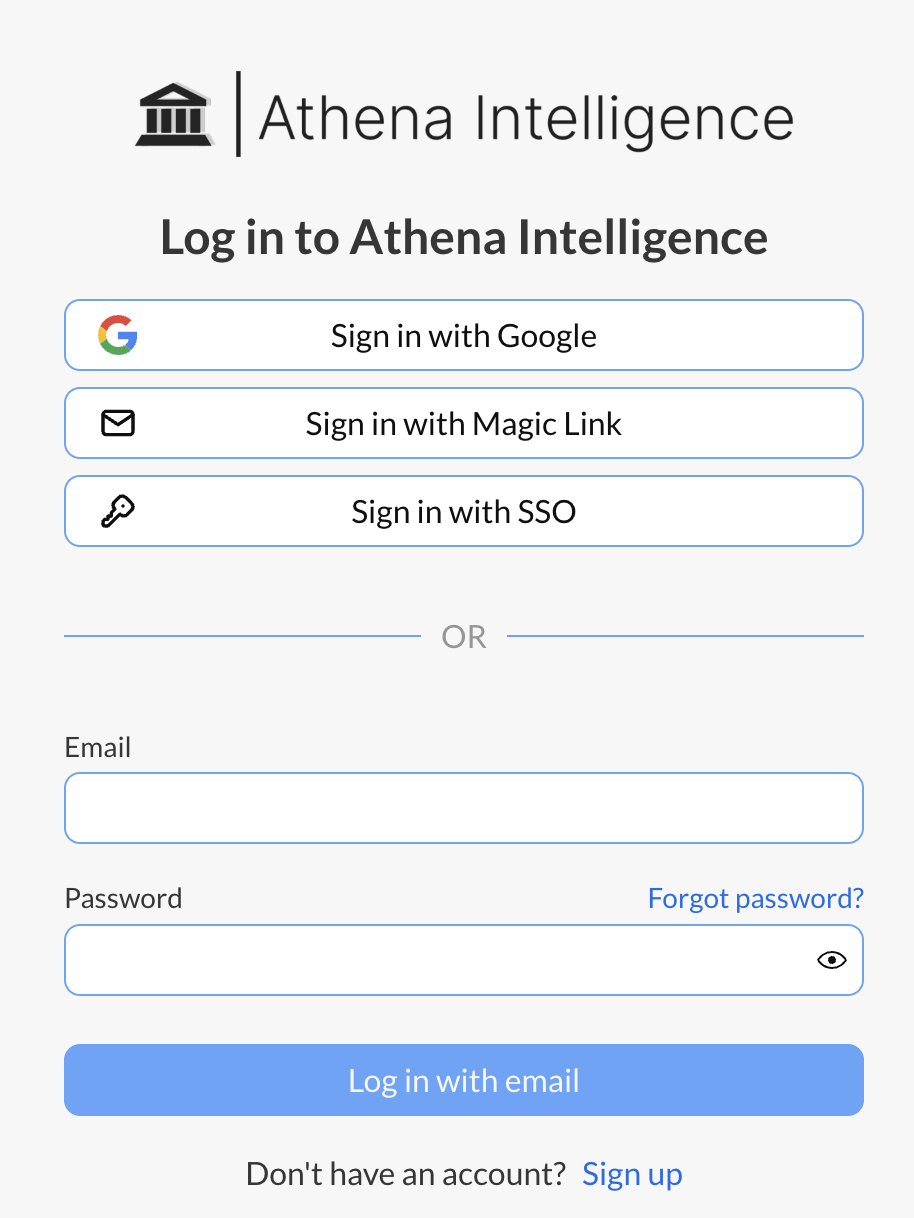
3
Get Started
Once you are logged in, read the following guides to understand more and use Athena.