

OneDrive connectivity is available as part of Athena’s Microsoft 365 integrations. Please reach out to team@athenaintel.com for setup assistance or to enable OneDrive access for your workspace.
What You Can Do with OneDrive Integration
Once connected, Athena can:- Search and retrieve files from your OneDrive
- Browse folders and navigate your OneDrive file structure
- Access and analyze documents, spreadsheets, and presentations stored in OneDrive
- Reference OneDrive files in conversations and agent workflows
- Upload and manage files between Athena and OneDrive
Security & Privacy
Athena’s OneDrive integration is designed with enterprise security and data privacy in mind:- Per-user connection: Each user connects their own OneDrive account individually. Athena does not access any user’s files unless that specific user has explicitly authorized the connection. No blanket access is granted across an organization.
- OAuth 2.0 authentication: Athena uses industry-standard OAuth 2.0 flows to connect to OneDrive. Athena never sees or stores your Microsoft password.
- User-scoped access: Athena respects the permissions set on your OneDrive files and folders. Users can only access files they have permission to view in OneDrive.
- No bulk data extraction: Athena does not copy or permanently store the contents of your OneDrive. Files are accessed on demand when you interact with Athena, and results are scoped to the requesting user’s session.
- Encrypted credentials: All OAuth tokens are encrypted at rest.
- Revocable at any time: Users can disconnect their OneDrive account from Athena at any time, immediately revoking access. Tokens can also be revoked from the Microsoft 365 admin center.
Workspace Owner Controls
Workspace owners and administrators have control over the OneDrive integration:- Restrict OneDrive integration: Workspace owners can disable the OneDrive integration for the entire workspace, preventing any member from connecting their OneDrive account.
- Monitor connections: Administrators can view which users have active OneDrive connections within the workspace.
- Revoke access: Workspace owners can remove OneDrive connections for the workspace. Azure AD administrators can also revoke the app registration from the Microsoft 365 admin center at any time.
- Enforce organizational policies: Microsoft 365 tenant administrators retain full control over conditional access policies, app consent, and data loss prevention rules that govern how Athena interacts with OneDrive.
Setup Instructions
1
Navigate to Integrations
Go to Integrations in your Athena workspace. Find OneDrive under the File Storage category.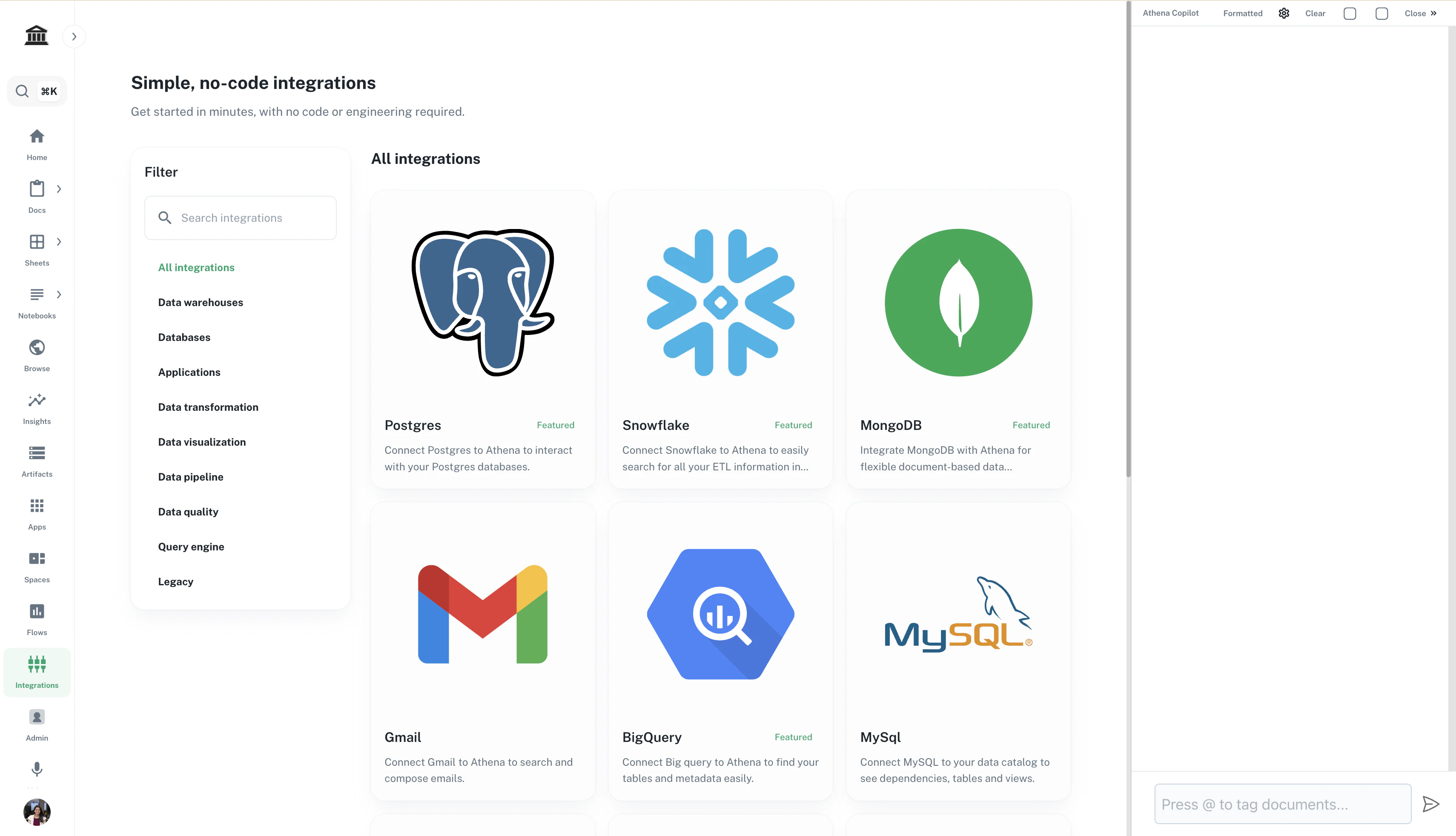
2
Connect your OneDrive account
Click Connect on the OneDrive integration card. You will be redirected to Microsoft’s OAuth authorization page. Sign in with your Microsoft account and grant Athena permission to access your OneDrive files.
3
Start using OneDrive in Athena
Once connected, your OneDrive files will be available for search, browsing, and reference within Athena. You can mention OneDrive files in conversations and use them in agent workflows.