

This guide is designed for technical users with basic coding skills, enabling them to effectively harness the full Python ecosystem for custom data integration and seamless access to Athena agents through Athena SDK.
Step-by-step Instructions
1
Open Builder
Navigate to Builder. Enter the name of your task. Click on Create Task.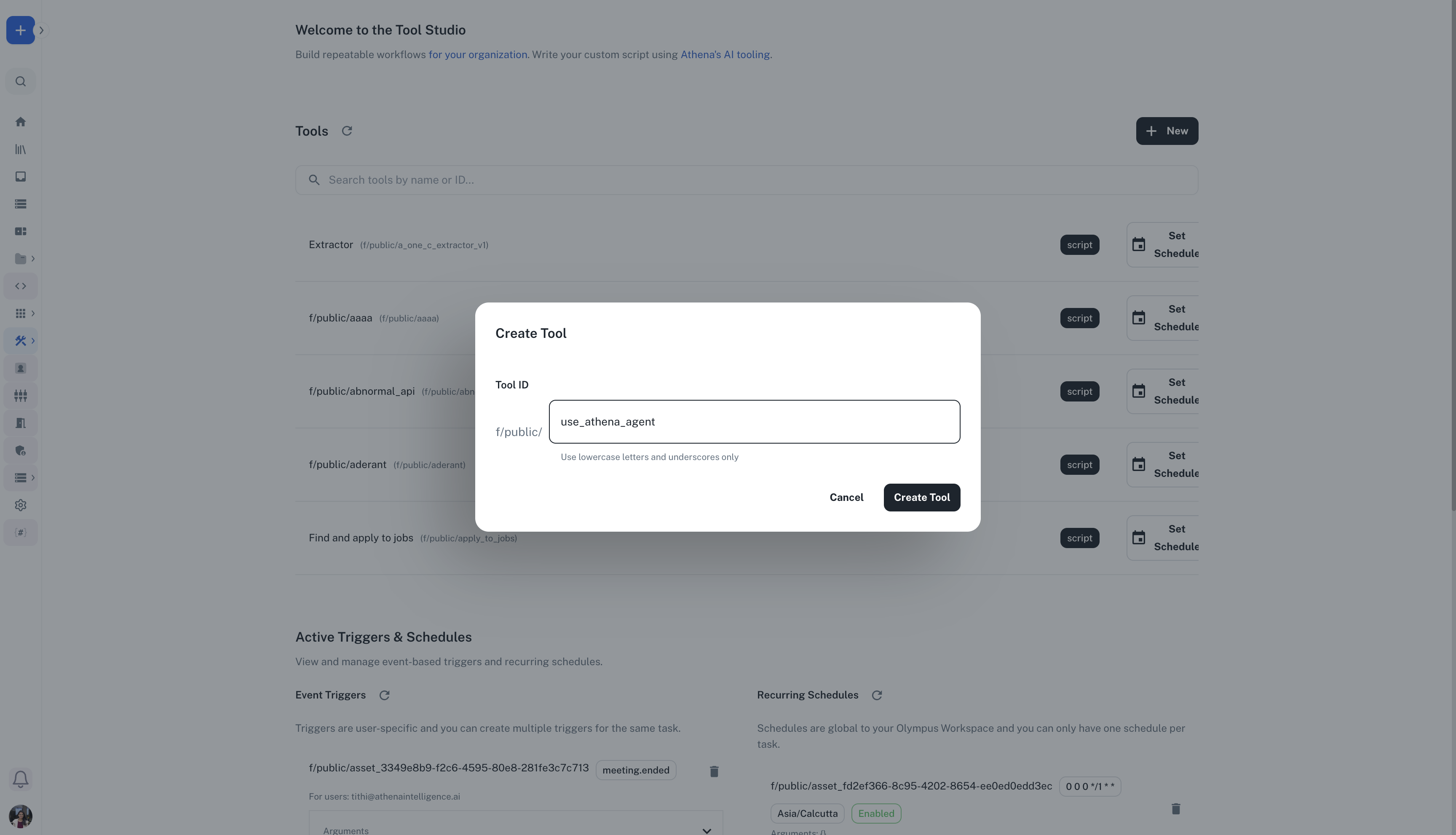
2
Edit the script
In the inbuilt code editor on your left, write the custom Python script that you wish to create for your workflow.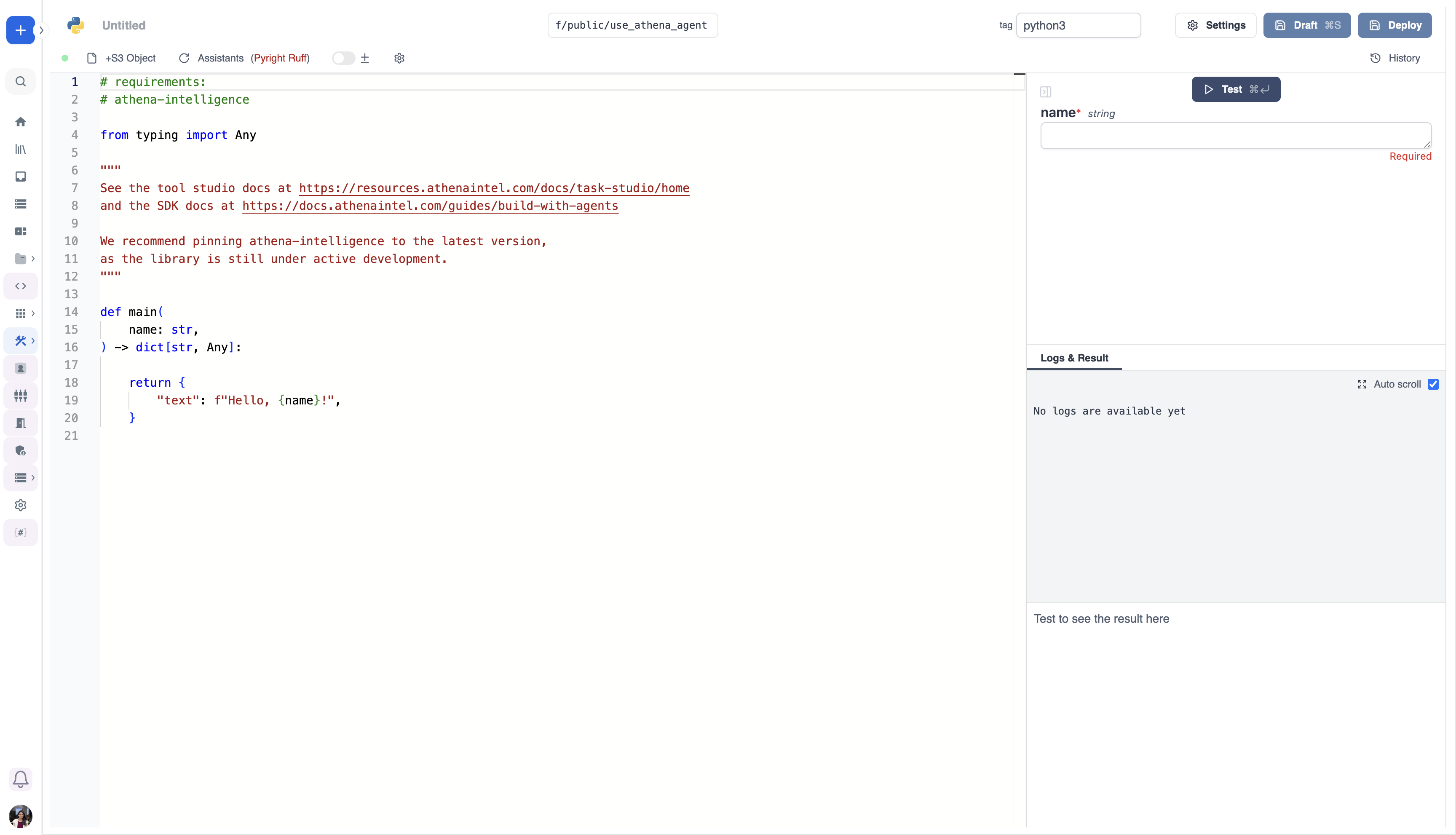
3
Test and Deploy
You can test your script side by side, making necessary code adjustments while viewing logs and results. Once satisfied, click on “Deploy” to add your task and use it as a tool for any agent.
- The main arguments are used for generating
- the input spec of the Script
- the frontend that you see when running the Script as a standalone app.
- Type annotations are used to generate the UI form, and help pre-validate inputs. While not mandatory, they are highly recommended.