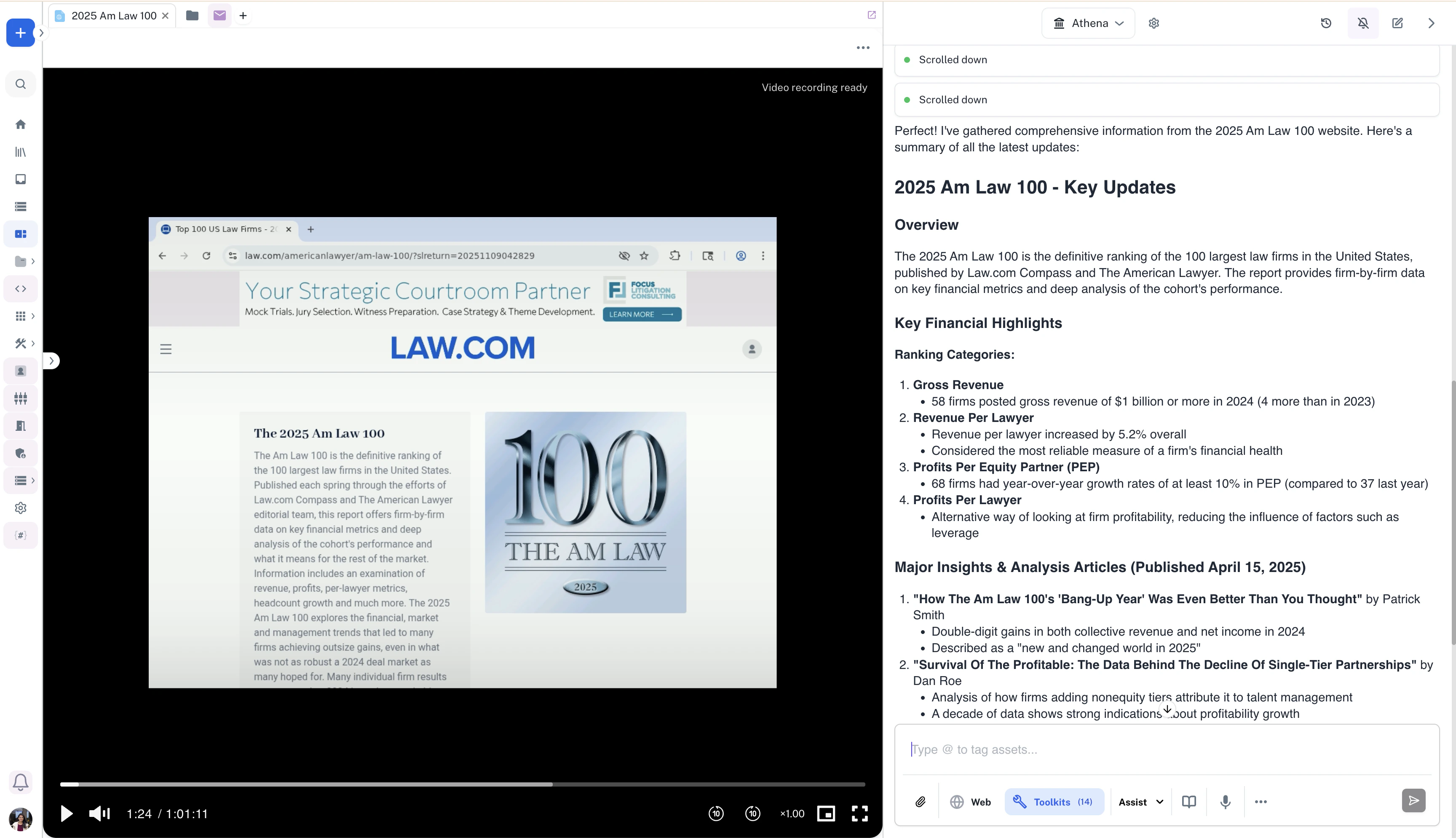
Athena Browser helps legal teams gather and process legal updates using simple chat commands. The system automatically collects legal information and turns it into well-formatted documents that are sent directly to your team’s email. Athena handles research tasks automatically, letting your team focus on reviewing cases and building legal strategy. By taking care of manual research work, she helps your legal team be more strategic with their time.

Swift Legal Research using Athena Docs

Step-by-step Instructions

1

Navigate to Spaces
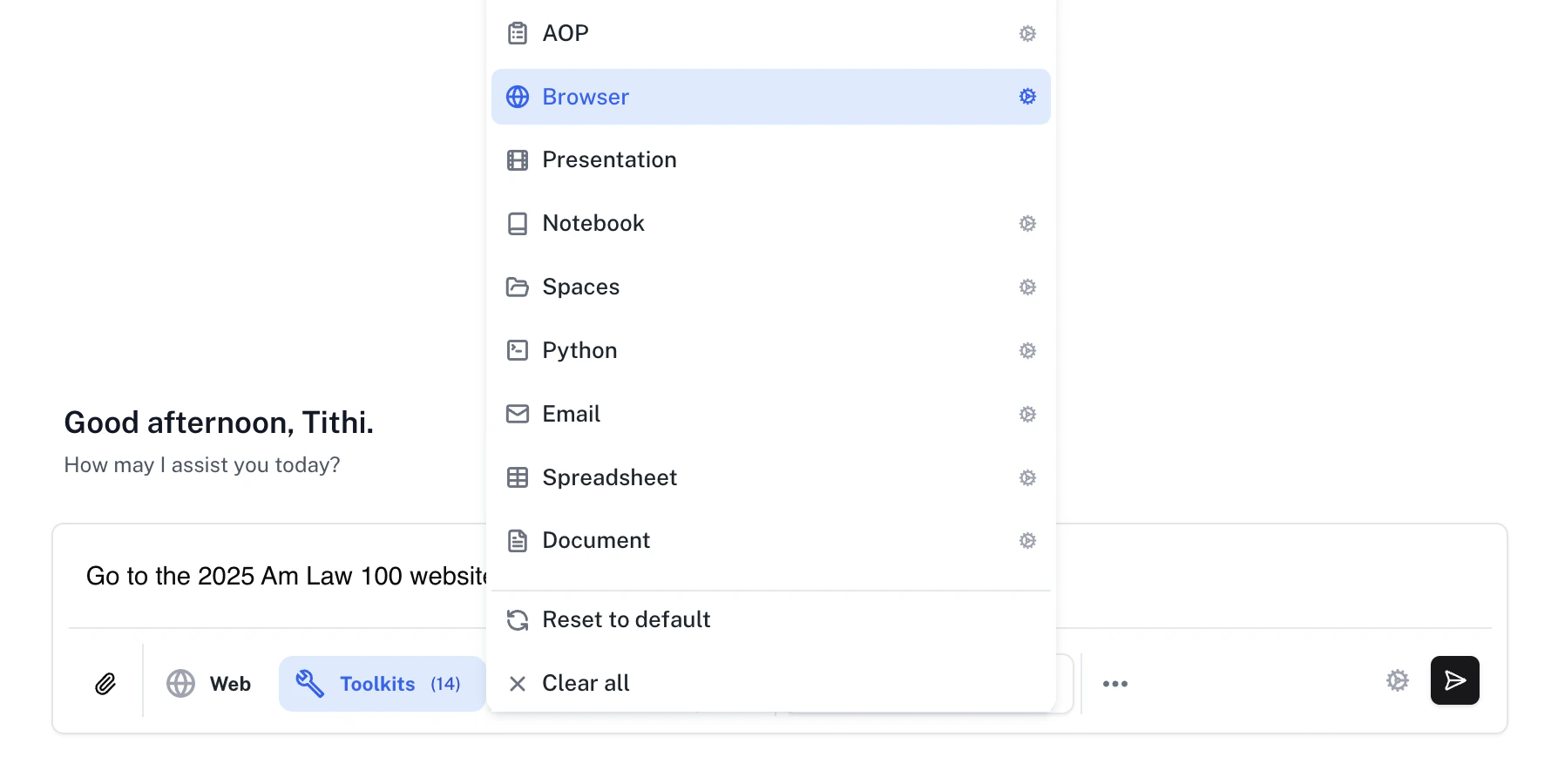
Go to Spaces. Enter the following in Chat and press Enter.
Prompt
Make sure that the Assist persona is selected and click on the Toolkits button to select the Browser toolkit.
2

Watch the session

Watch Athena navigate to the official Am Law 100 website and gather latest information.