Meeting Agenda Drafts in Athena
Step-by-step Instructions
1
Create a Flow
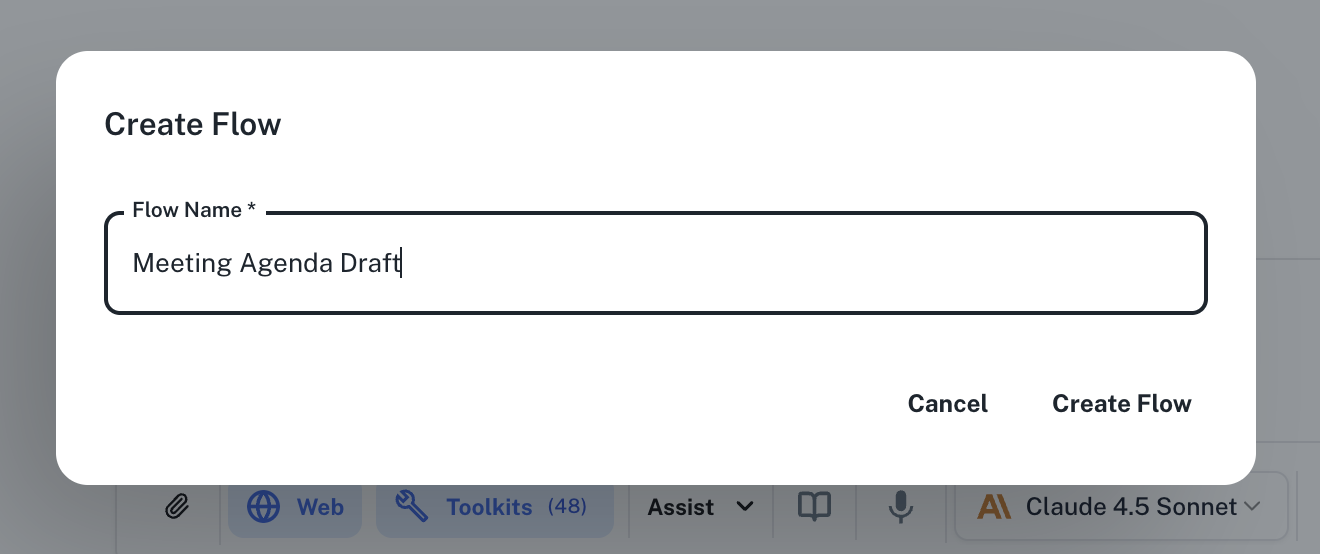
Go to Spaces. Click on the + -> Workflow -> Flow button on the top left and name your flow “Meeting Agenda Draft”.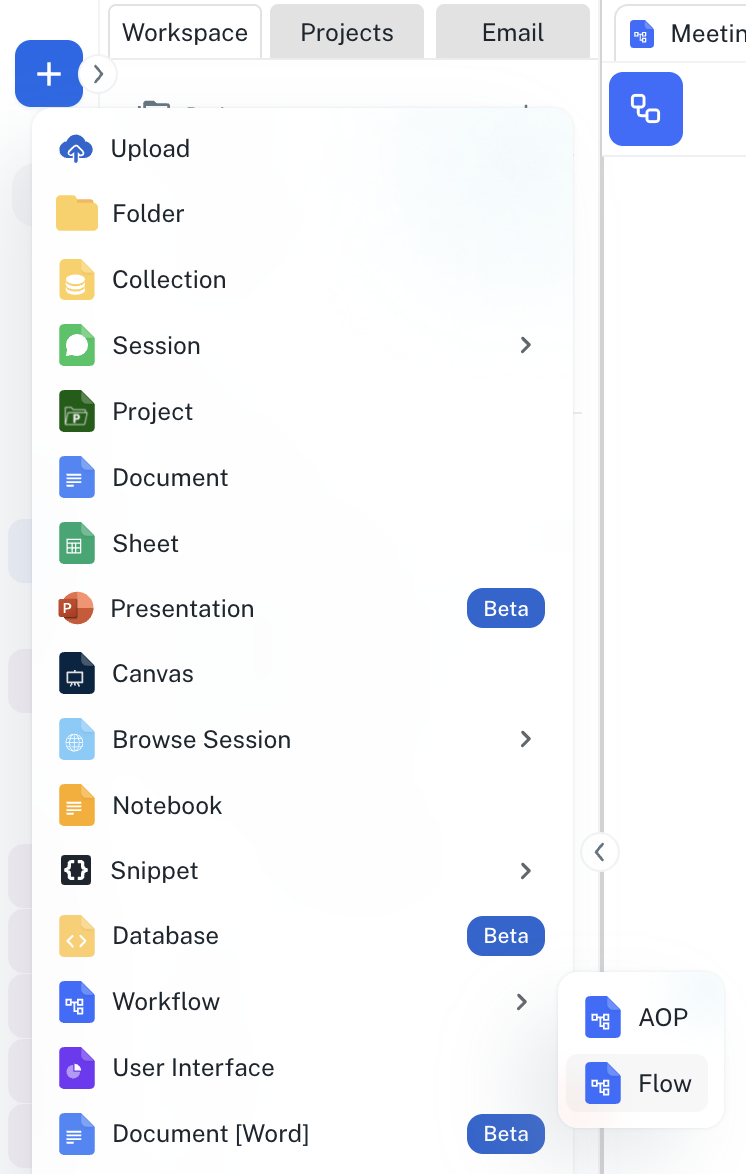
2
Define Step 1
In the Title field, enter “Check Calendar” and in the Agent Instructions field, enter your prompt, for example the one given below: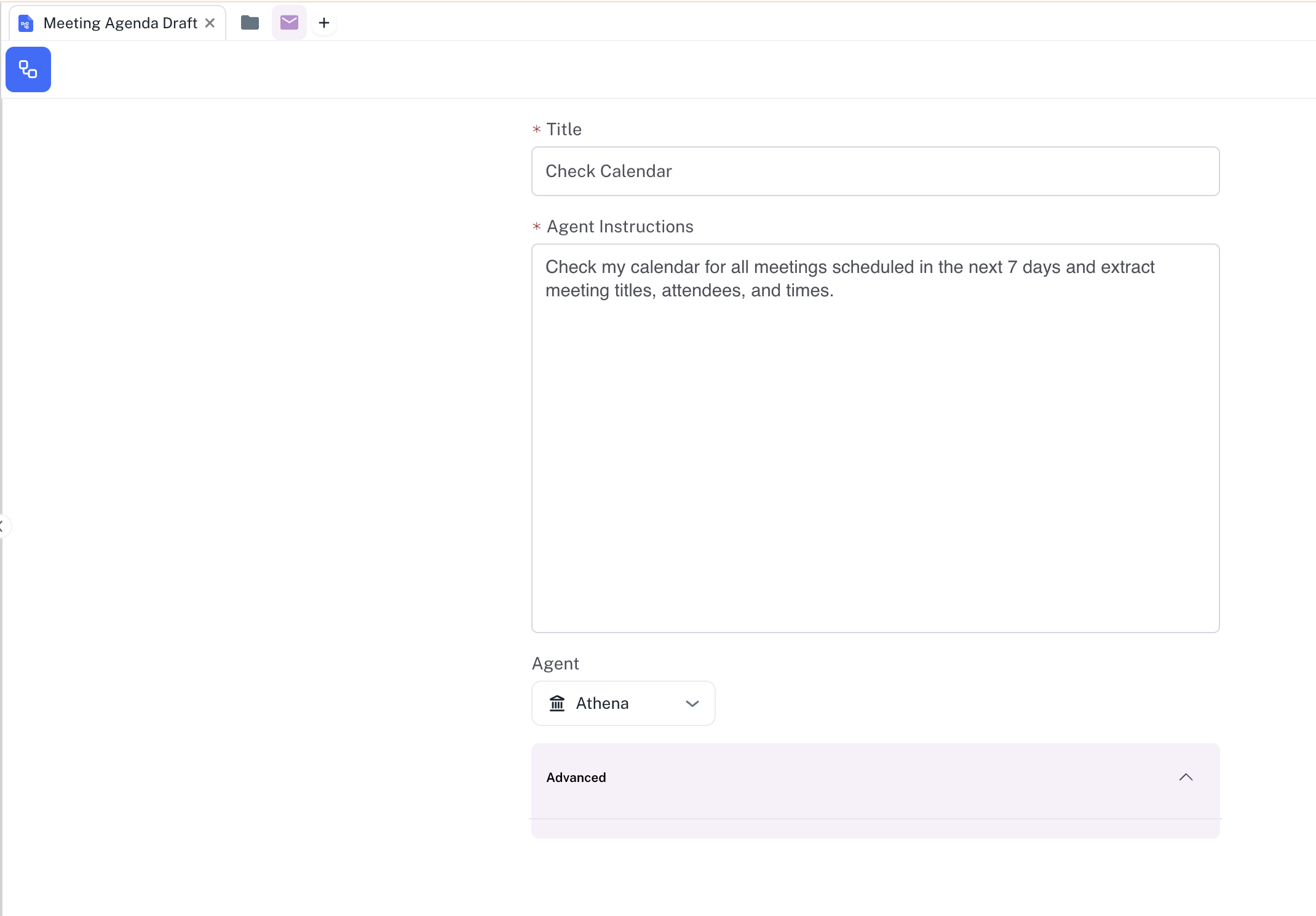
3
Add Step 2
Click on the flow icon on the top left of the flow. Drag and drop a Step component from the Flow Builder onto the Flow. Define Step 2 by entering “Research Context” in the Step Title field and the following in the Agent Instructions.
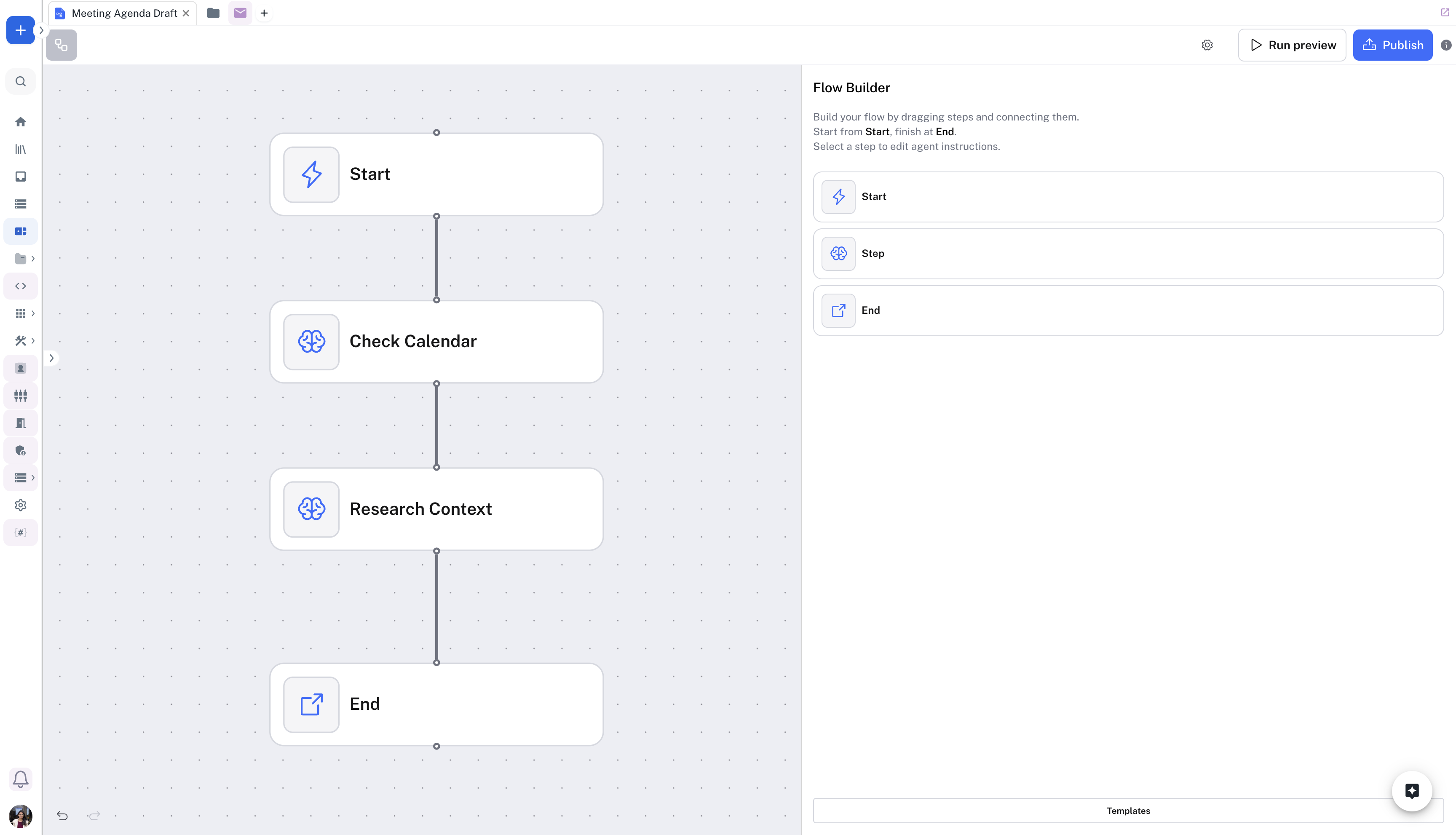
Similarly, add Step 3 “Send Email” to the Flow. You can add the following Agent Instructions: “Compile all meeting agendas into a single email and send it to me with the subject “Meeting Prep: [Date Range]” including attendee insights and suggested agenda items for each meeting.”
4
Run Preview
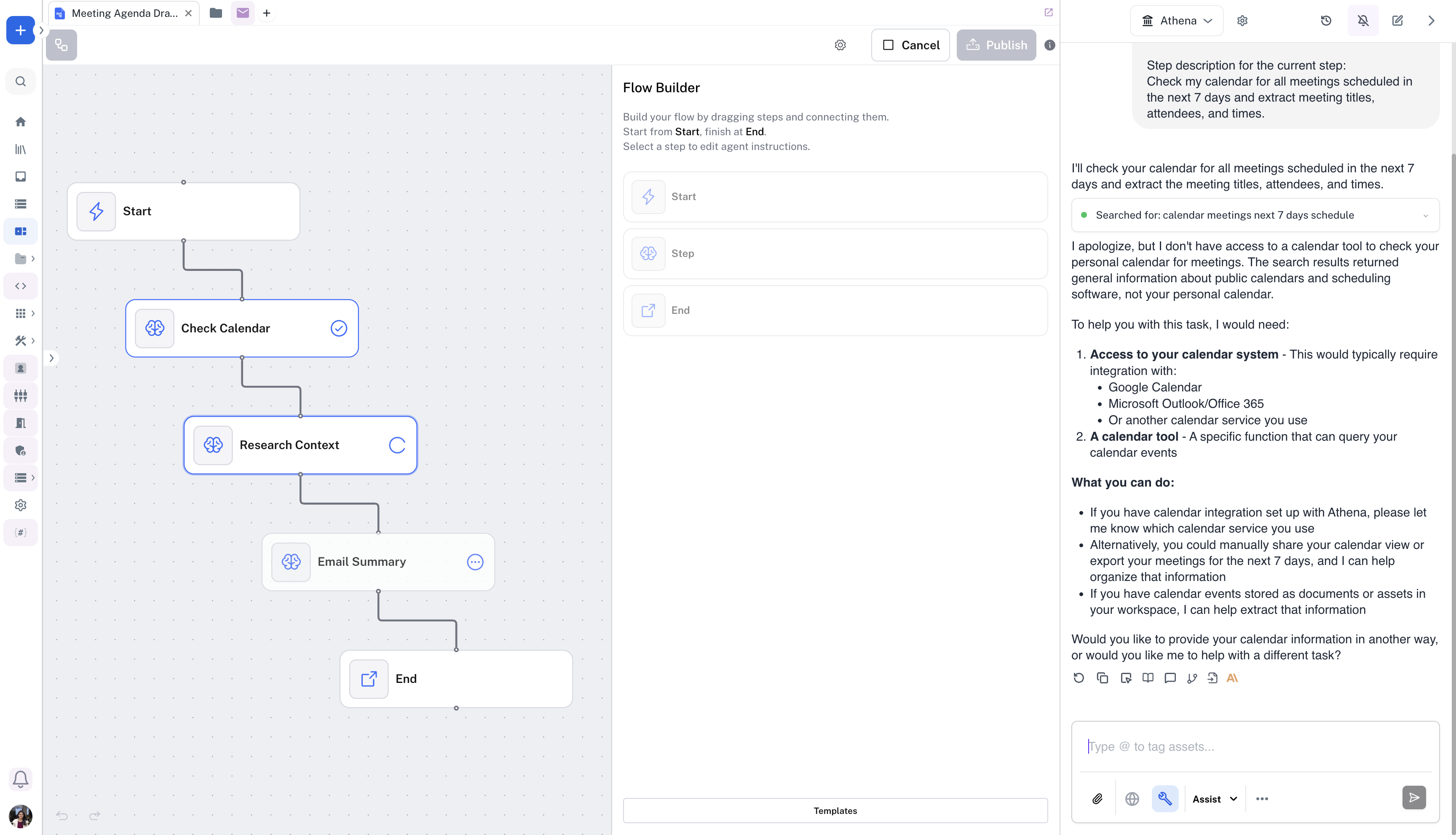
You can run your flow by clicking on the Run Preview button on the top-right of the flow to test the flow.
5
Publish your flow
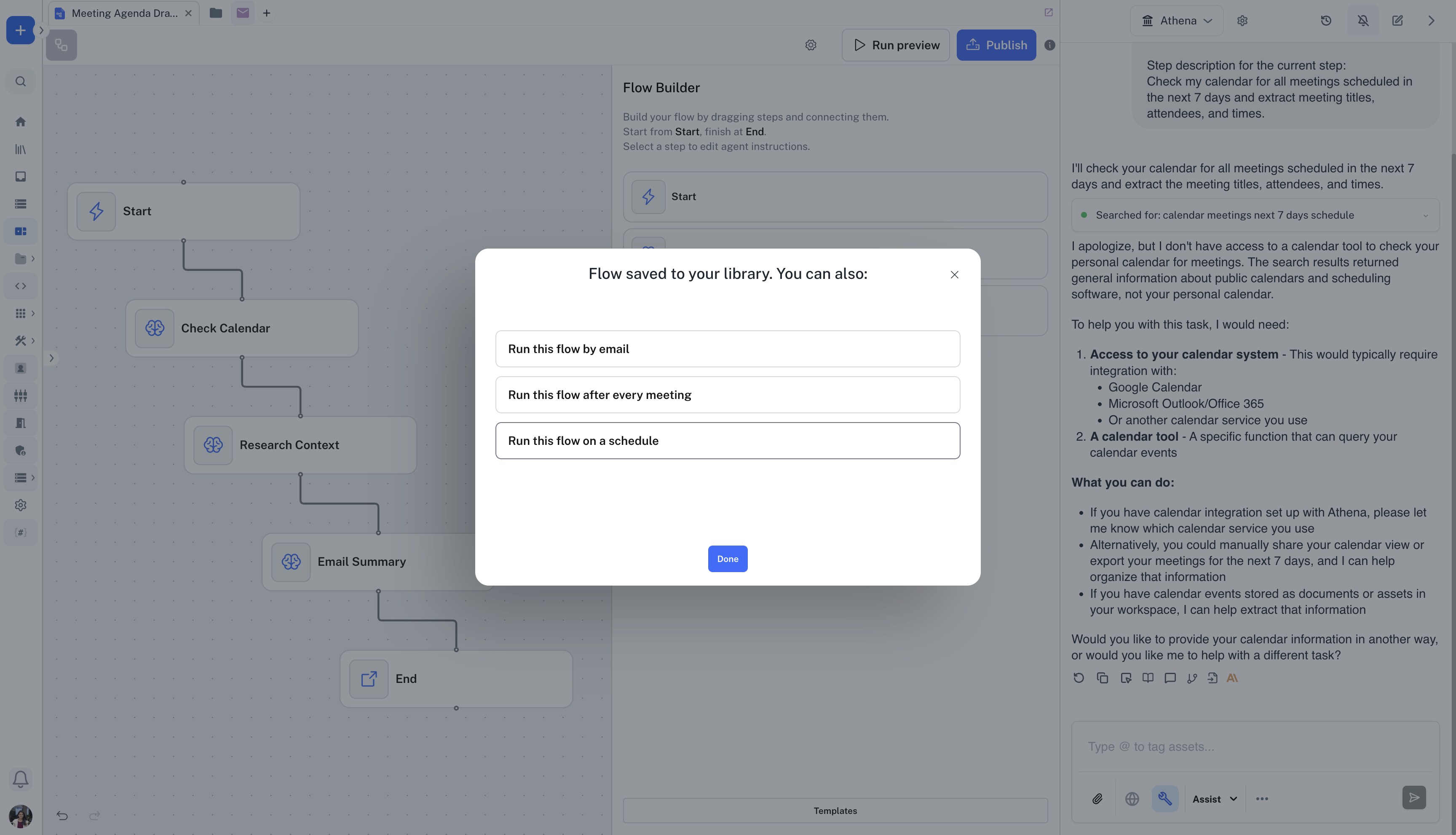
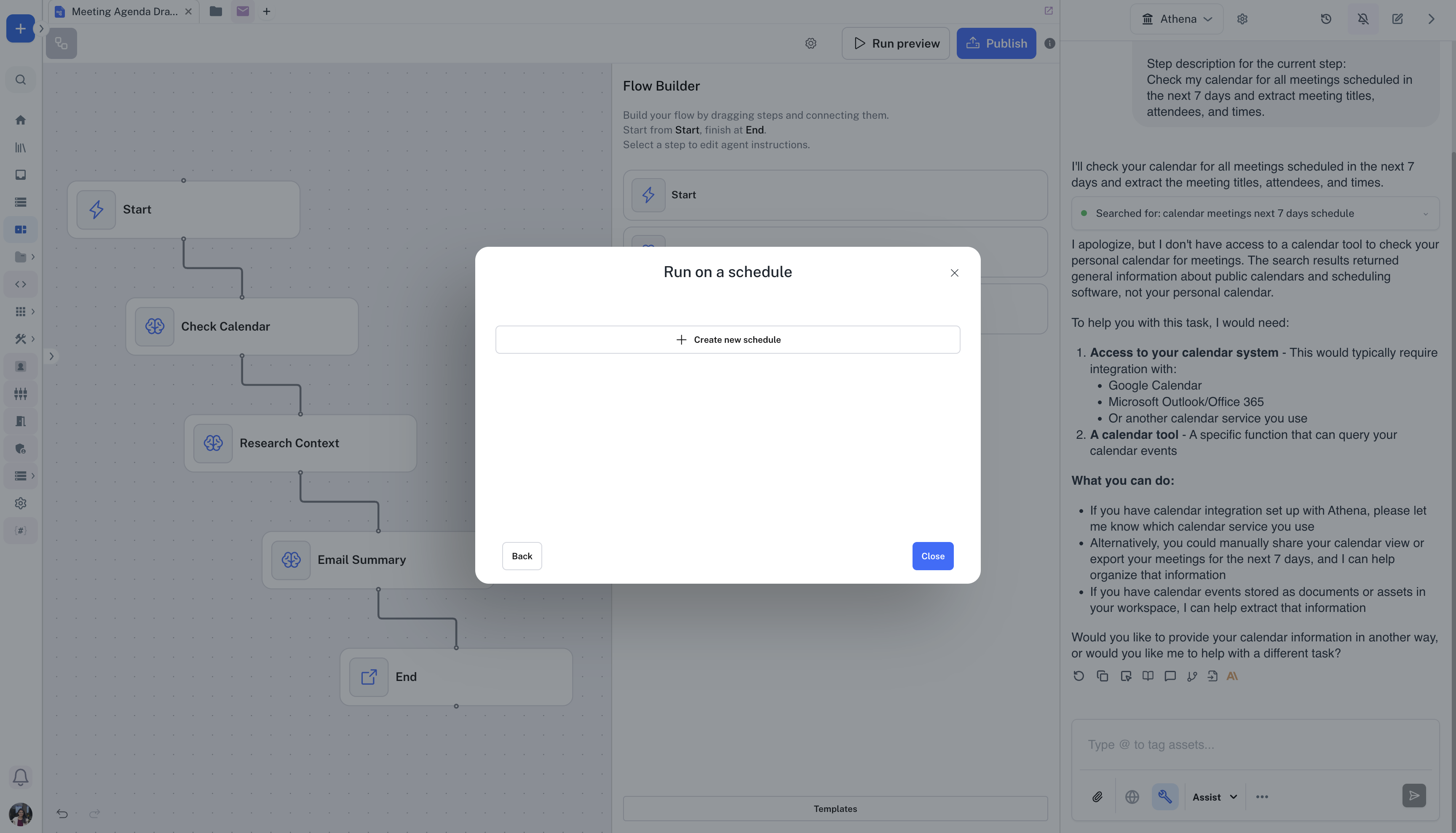
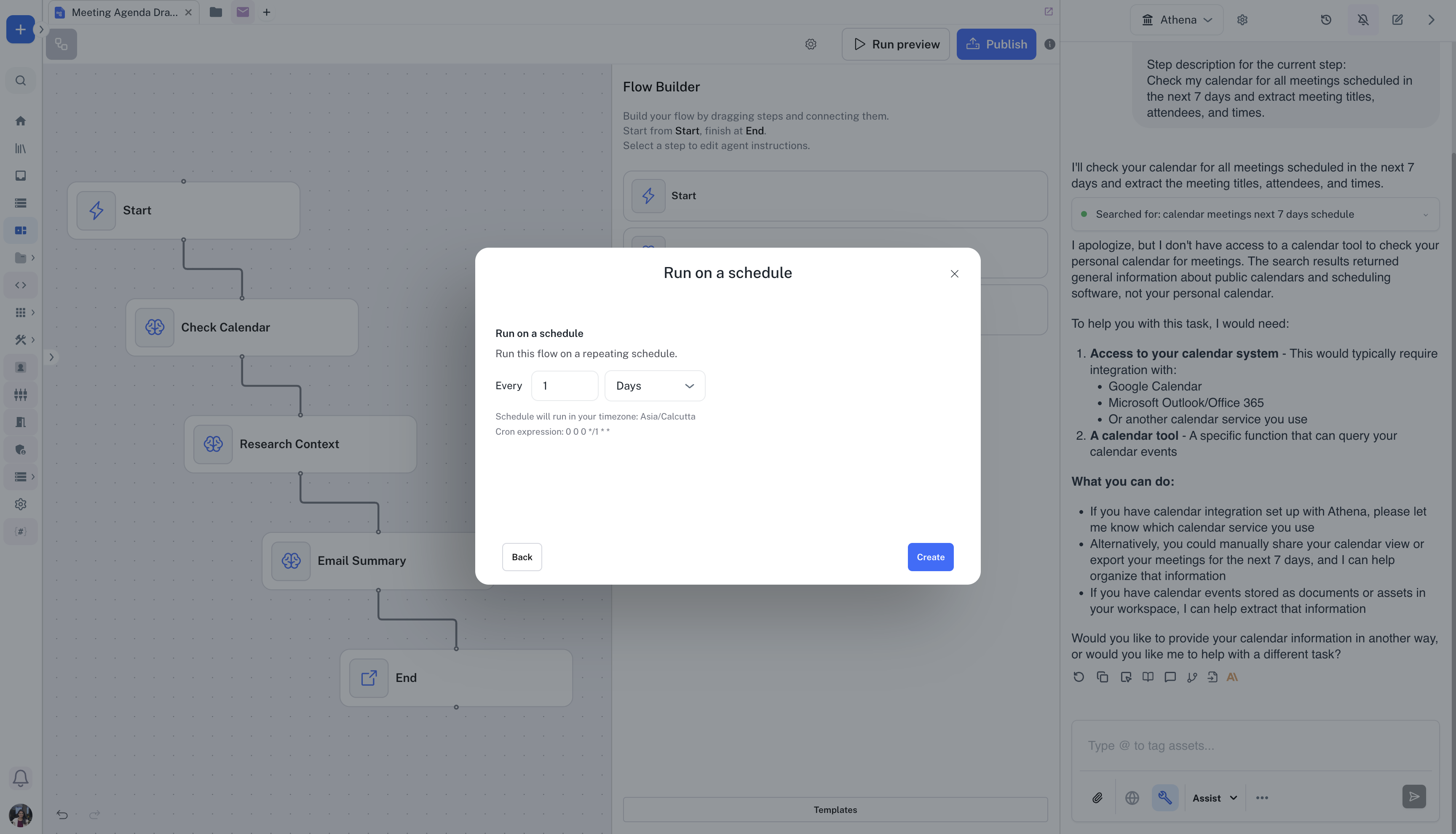
You can click on Publish on the top-right of the flow to trigger the flow on an event. Click on Run this flow on a schedule -> Create new schedule. Set a schedule for your flow and click on Create.