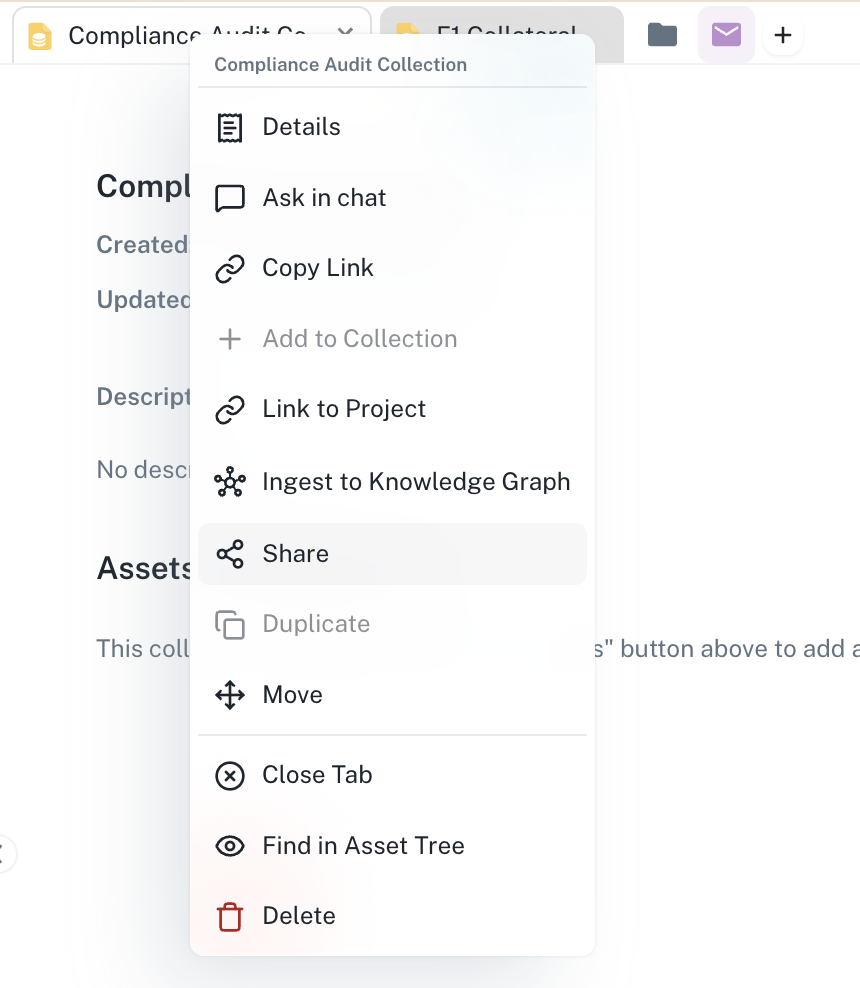
Compliance Audit Collection in Athena
Step-by-step Instructions
1
Create a new collection
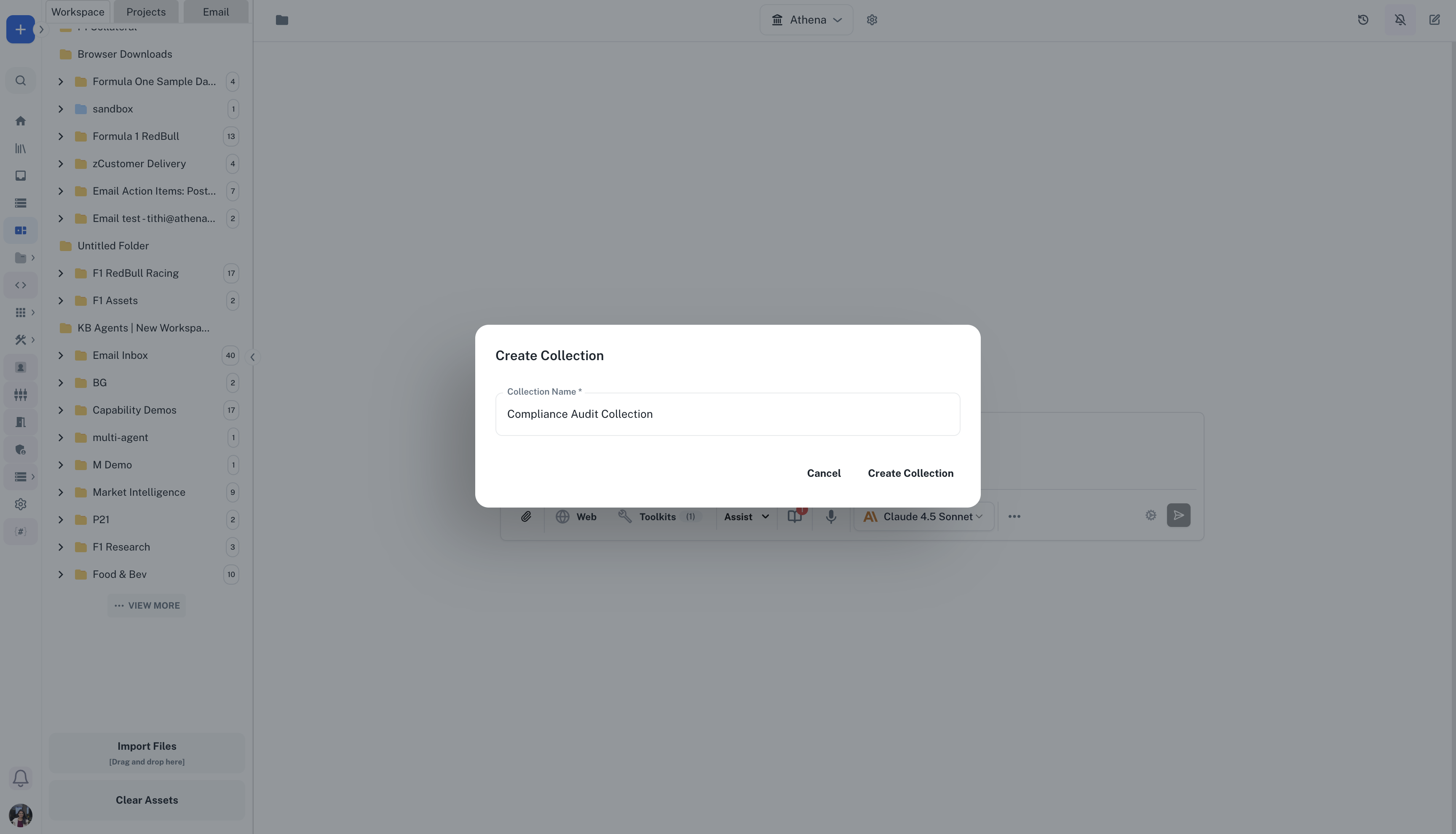
Navigate to Spaces. Click the + icon and select Collection, enter its name, and select Create Collection. Name it “Q4 Compliance Audit” and add a description explaining the audit scope and timeline.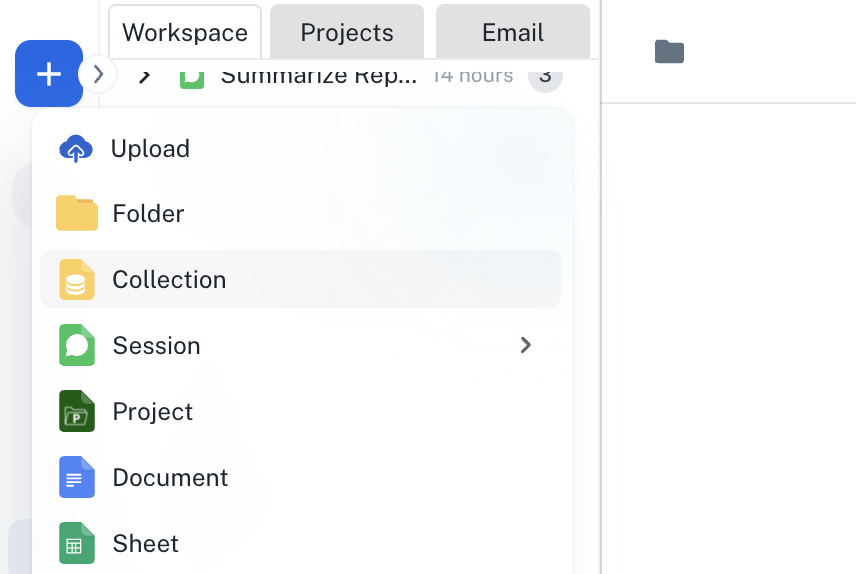
2
Add assets from multiple sources
Click Add Assets and select relevant documents from different folders: financial statements from Finance folder, contracts from Legal folder, and operational reports from Operations folder. All assets remain in their original locations while being grouped in the collection.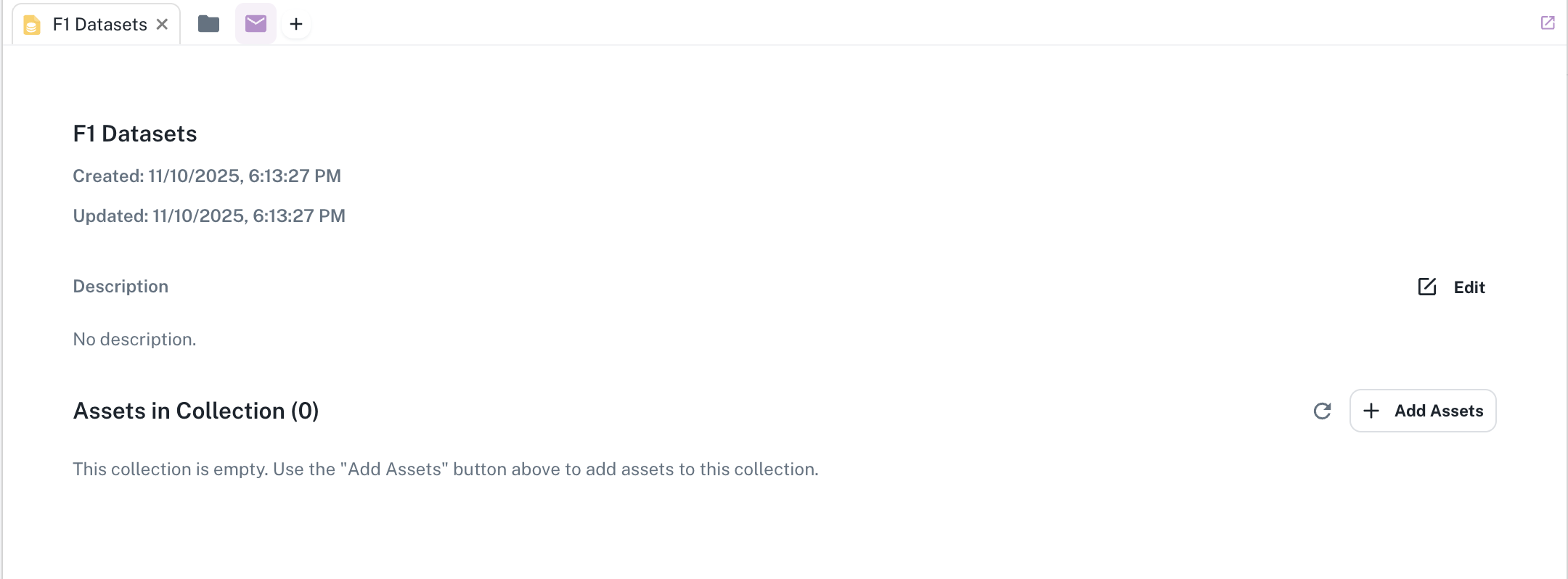
3
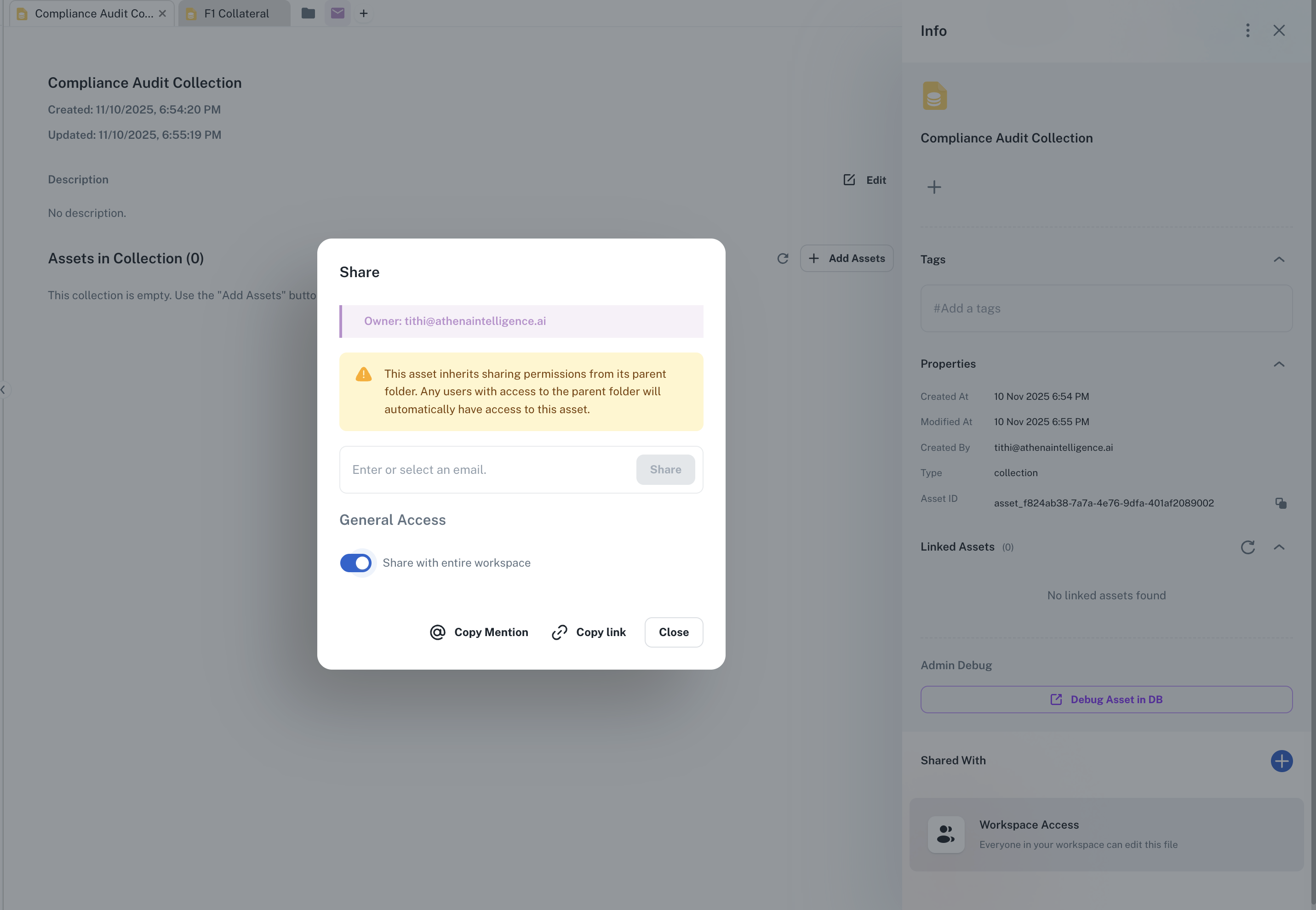
Share with stakeholders
Configure collection permissions to share with audit team members. Provide the collection link to auditors, ensuring they have immediate access to all required materials in one organized view.