

Athena can fill in a web form for you: give it the details in Chat and it opens the site in a browser, completes each field and submits the form. Instruct Athena to fill out the factory visit form for F1 Red Bull, implementing a hands-free and expedited process.

Fill Web Forms with Athena

Step-by-step Instructions

1

Navigate to Spaces
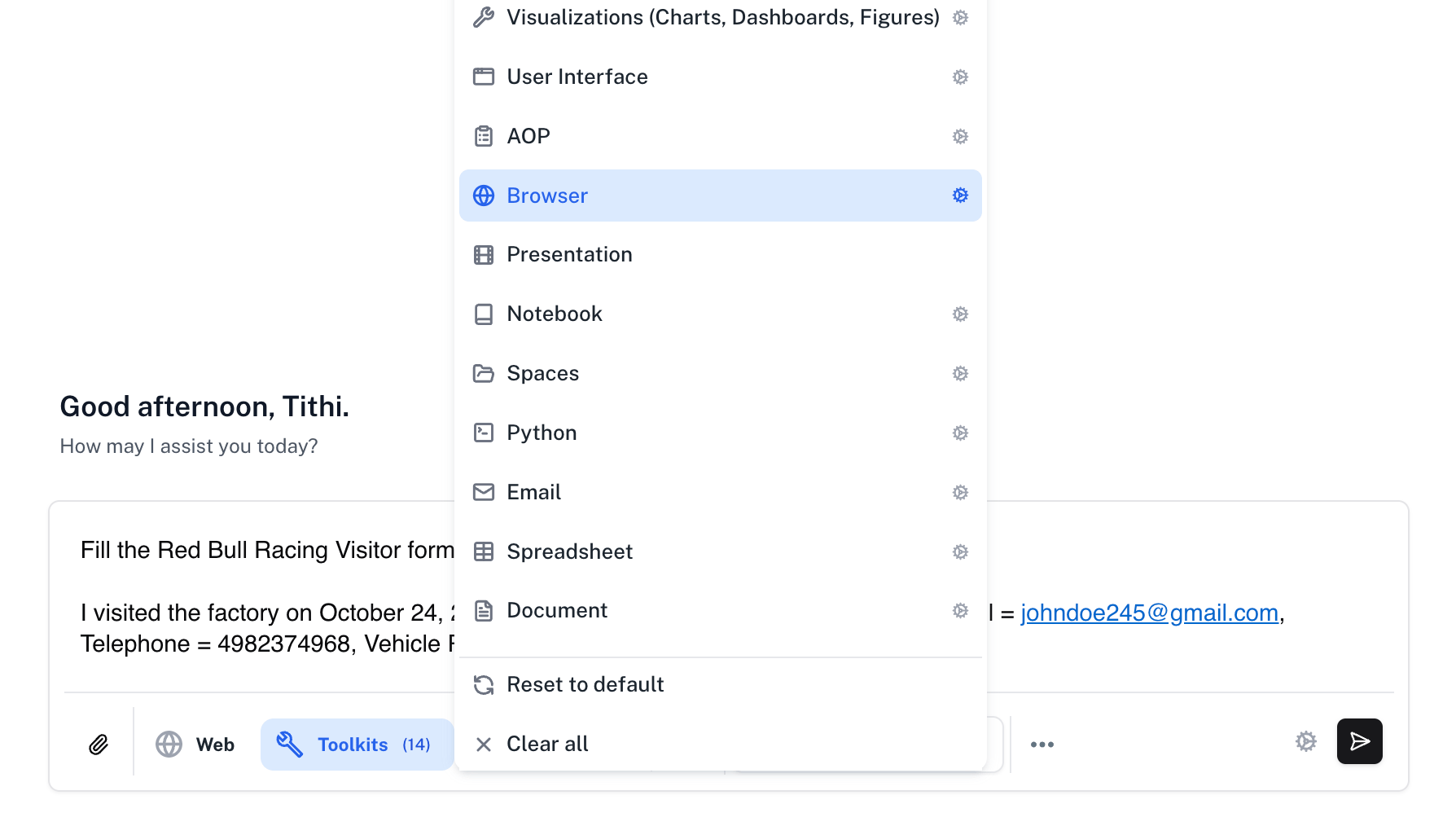
Go to Spaces. Enter the following in Chat and press Enter.
Prompt
Open Tools and enable the Browser toolkit.
Factory visit form prompt with Browser toolkit selected
2

Watch the session

Watch Athena navigate to the official RedBull Experiences website and fill the Factory Visit Form.
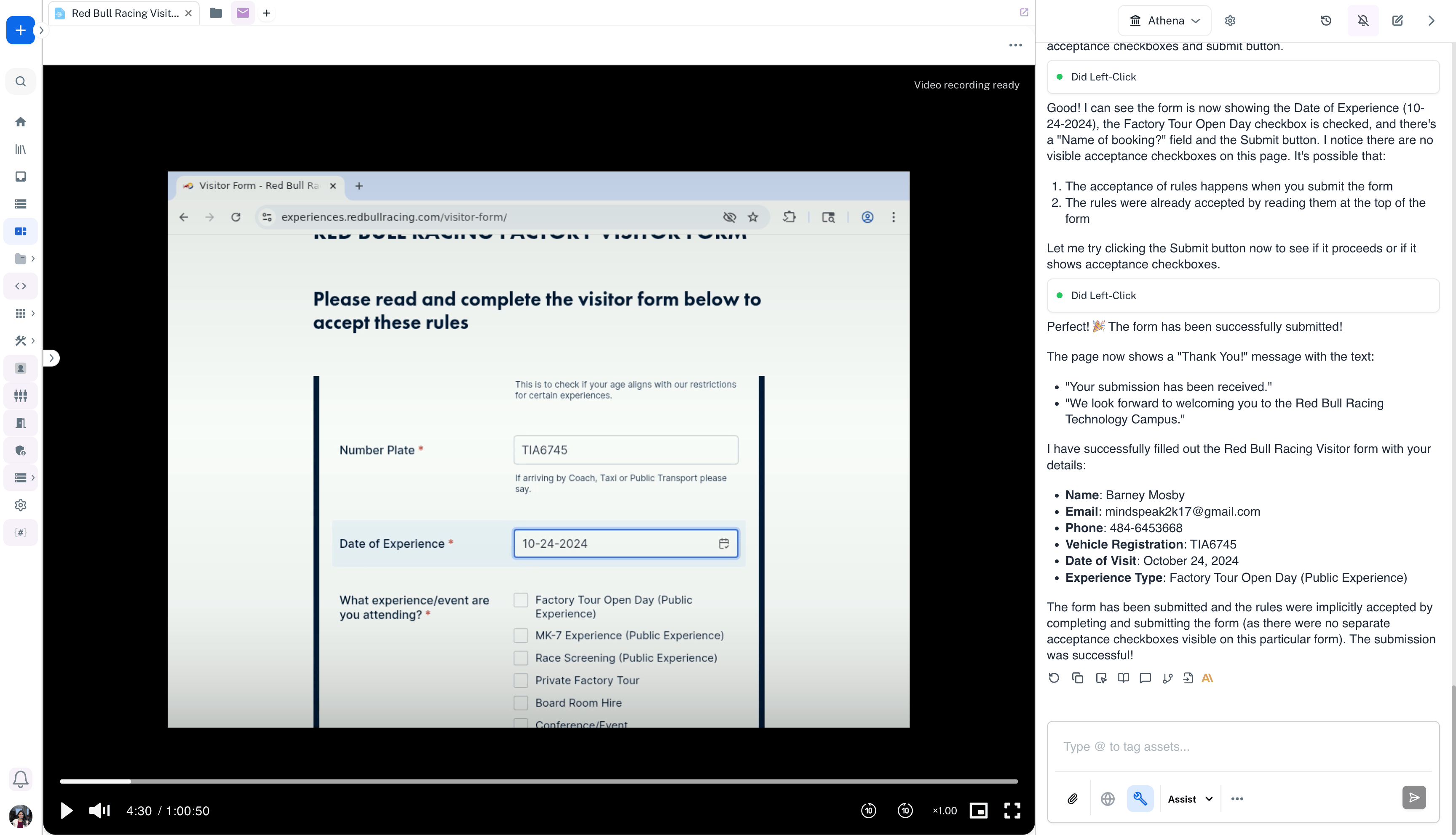
Browser recording showing the factory visit form being filled
3

Check the submission

Once Athena completes the browser session, you can see that the form was submitted successfully.
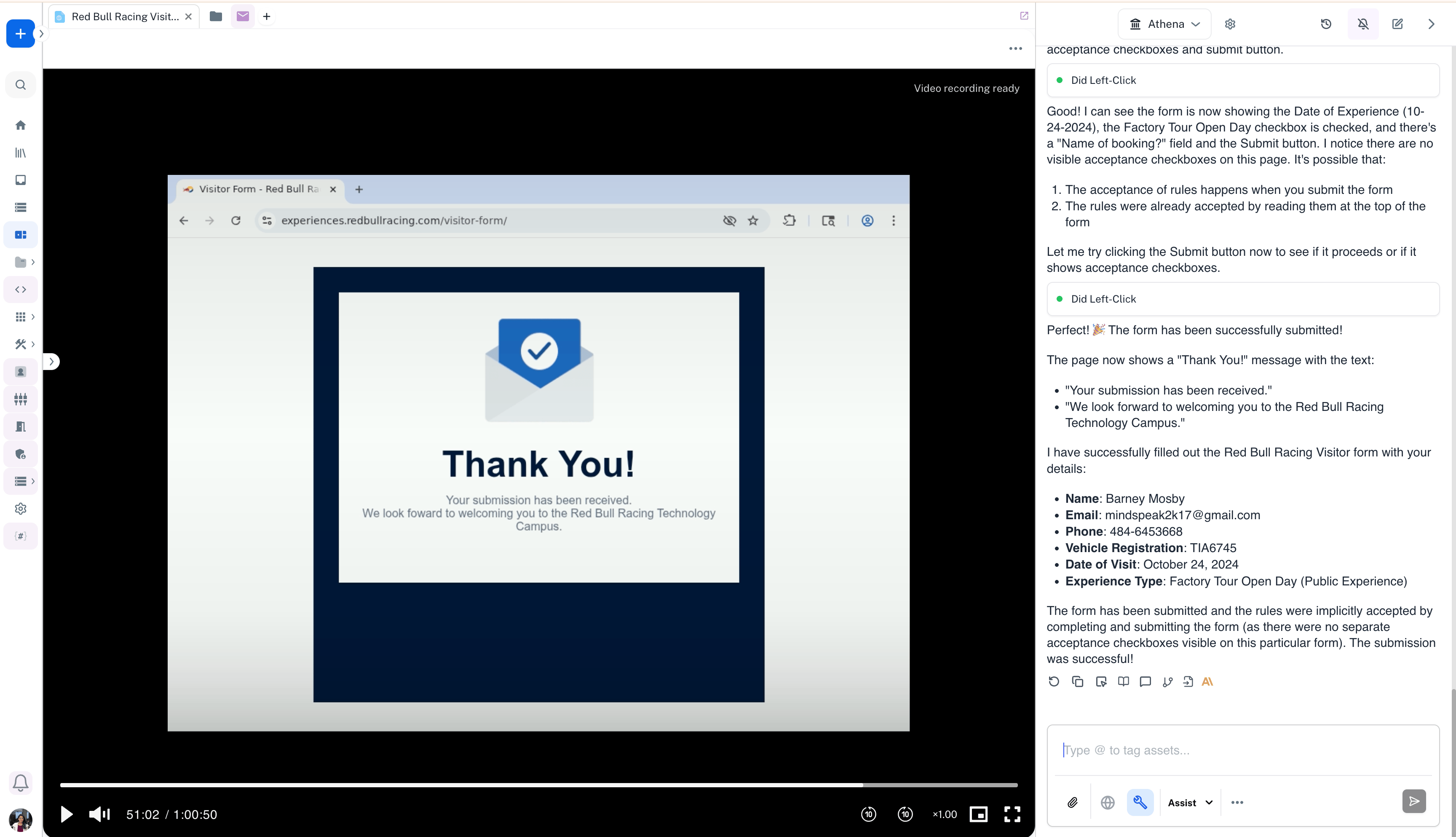
Browser recording showing the visit request confirmation page