

Key Features
Leverage Athena’s core search capabilities to find exactly what you need by filtering across multiple dimensions - from full-text queries to asset types and tags. Watch as Athena automatically ranks your results by relevance, bringing the most important information to the forefront instantly.Tags are keywords assigned to assets that help categorize and improve searchability within Athena.
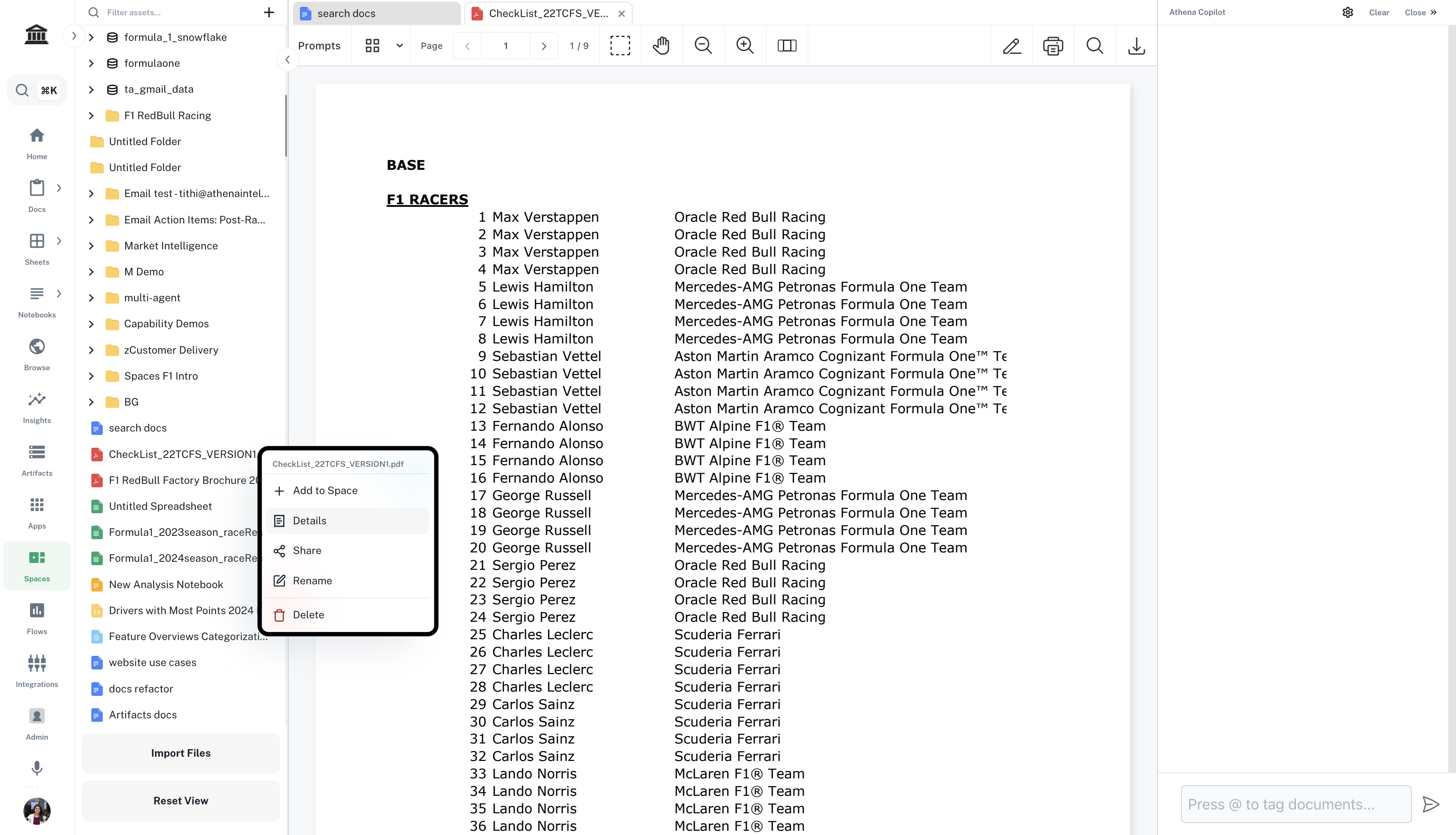
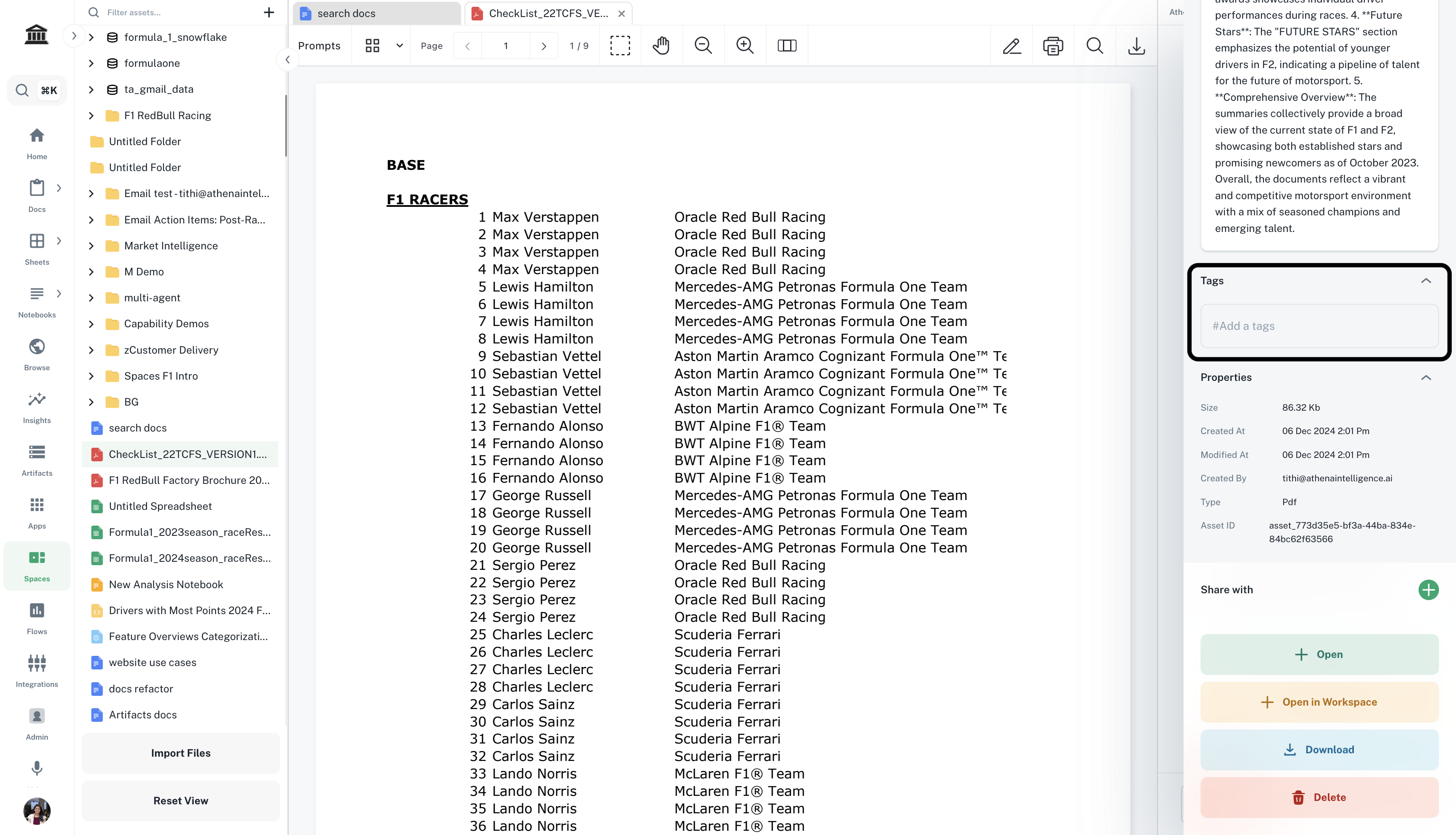
You can add tags to assets inside the Details pane of each asset.