> ## Documentation Index
> Fetch the complete documentation index at: https://resources.athenaintel.com/llms.txt
> Use this file to discover all available pages before exploring further.
# Create Sales Process Presentations with Athena
> Sales process presentations use Athena Assist and the Presentation toolkit to generate a deck from chat, edit it collaboratively, and download PowerPoint.
Athena Presentations helps sales teams create professional decks for sales analysis and process documentation using simple chat commands. The system automatically generates well-formatted presentations that can be edited collaboratively and downloaded as PowerPoint files.
Athena handles presentation creation automatically, letting your team focus on refining content and delivering compelling sales narratives. By taking care of manual slide design work, she helps your sales team be more strategic with their time.
## Step-by-step Instructions
Go to [**Spaces**](https://app.athenaintel.com/dashboard/spaces). Enter your presentation request in **Chat** and press **Enter**.
Create a professional presentation on sales analysis and steps
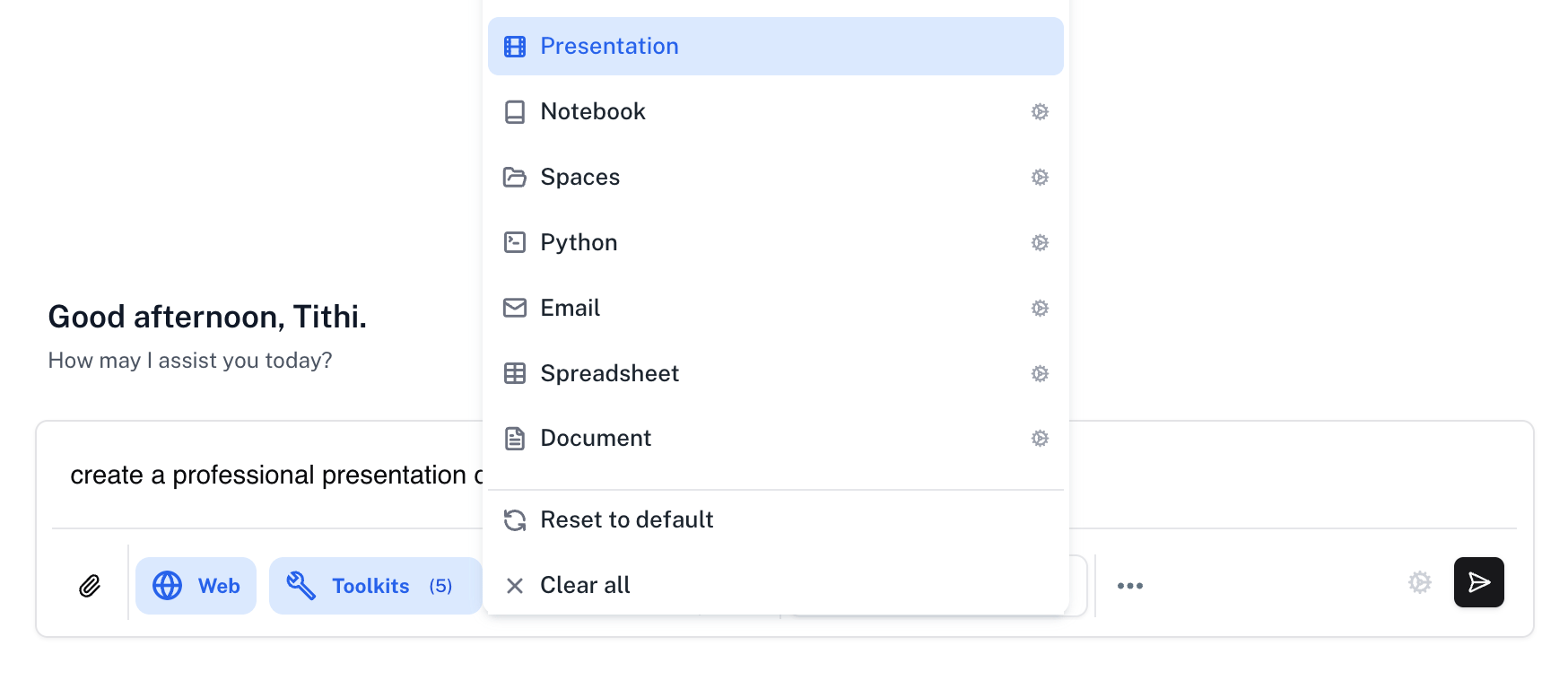
Make sure that the **Assist** persona is selected and click on the **Toolkits** button to select the **Presentation** toolkit.
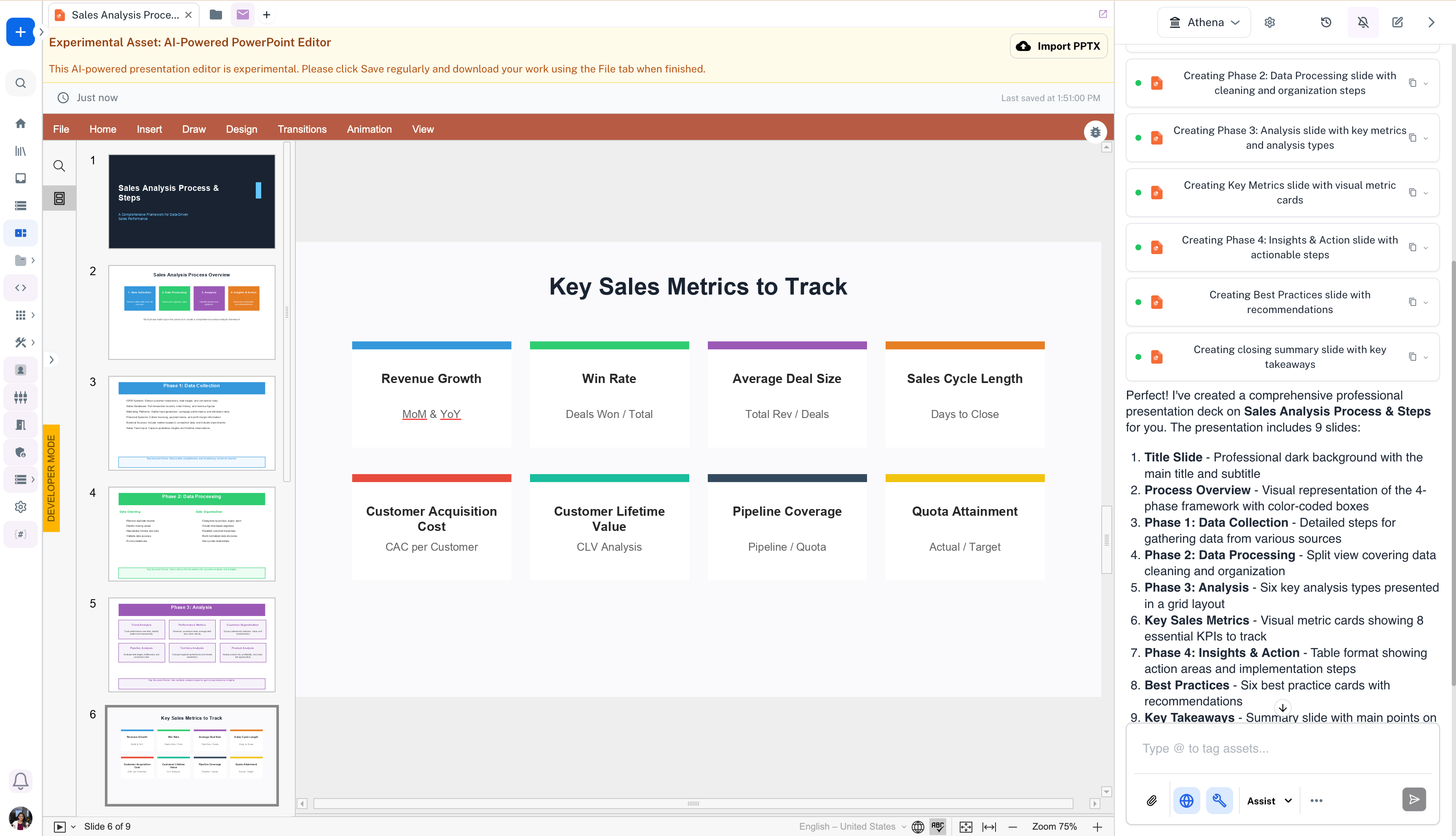
 Watch Athena create your presentation deck. You can simultaneously edit the deck with Athena and download it as a PowerPoint file using the **Import PPTX** button.
 This documentation is built and hosted on [Mintlify](https://mintlify.com), a developer documentation platform.