> ## Documentation Index
> Fetch the complete documentation index at: https://resources.athenaintel.com/llms.txt
> Use this file to discover all available pages before exploring further.
# LinkedIn Post
Athena Browser helps you automate social media workflows by logging into proprietary sites using your saved browser profiles. The system uses your existing credentials to perform manual tasks automatically, letting you focus on strategic work.
In this example, Athena logs into LinkedIn using your browser profile and creates posts on your behalf. By handling routine posting tasks, she helps you maintain your professional presence without the manual effort.
## Step-by-step Instructions
Go to [**Spaces**](https://app.athenaintel.com/dashboard/spaces). Enter the following in **Chat** and press **Enter**.
create a new browser session with the profile @Tithi LinkedIn and post about my new job as a Forward Deployed Engineer at Athena Intelligence.
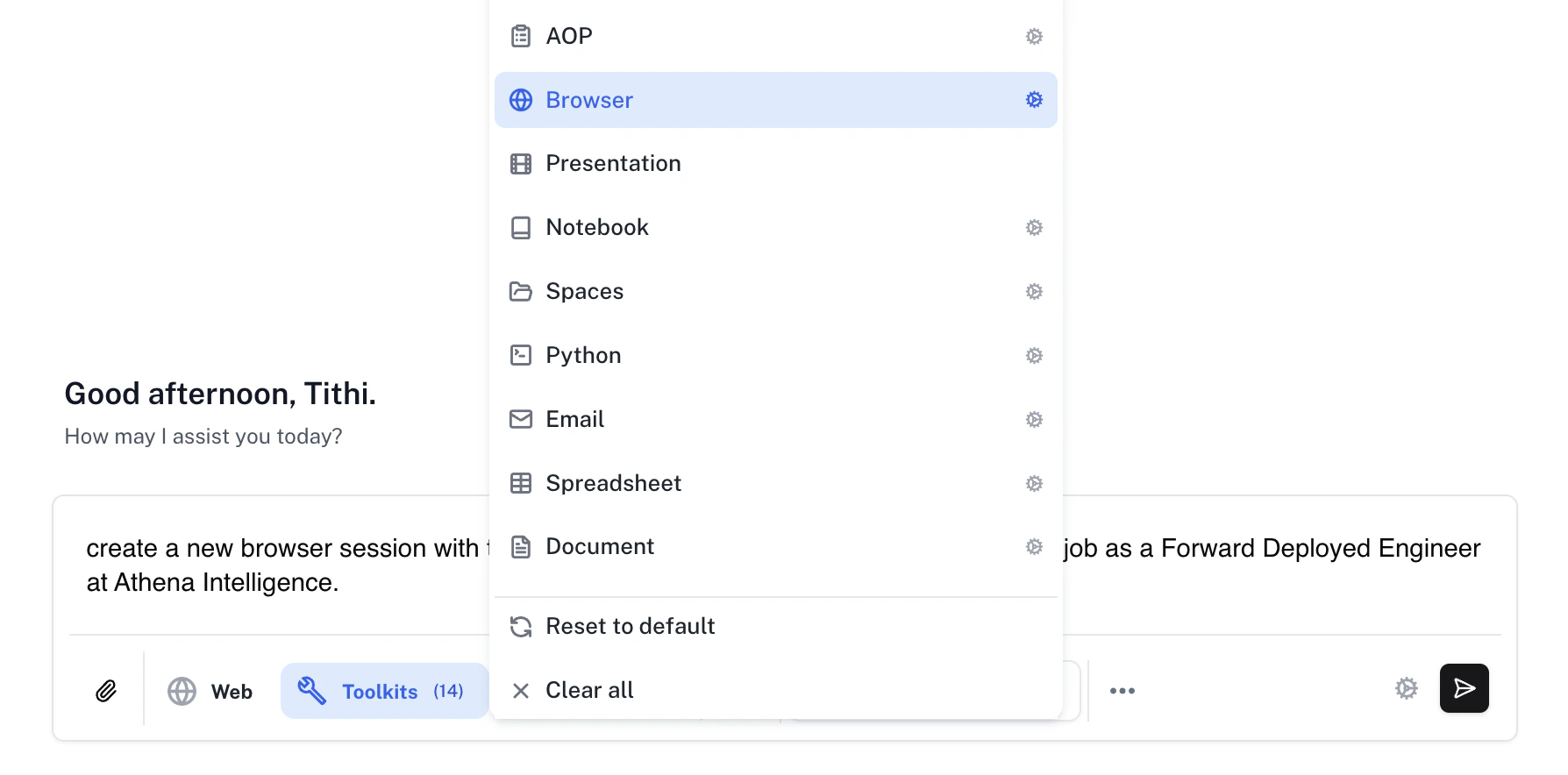
Make sure that the **Assist** persona is selected and click on the **Toolkits** button to select the **Browser** toolkit.
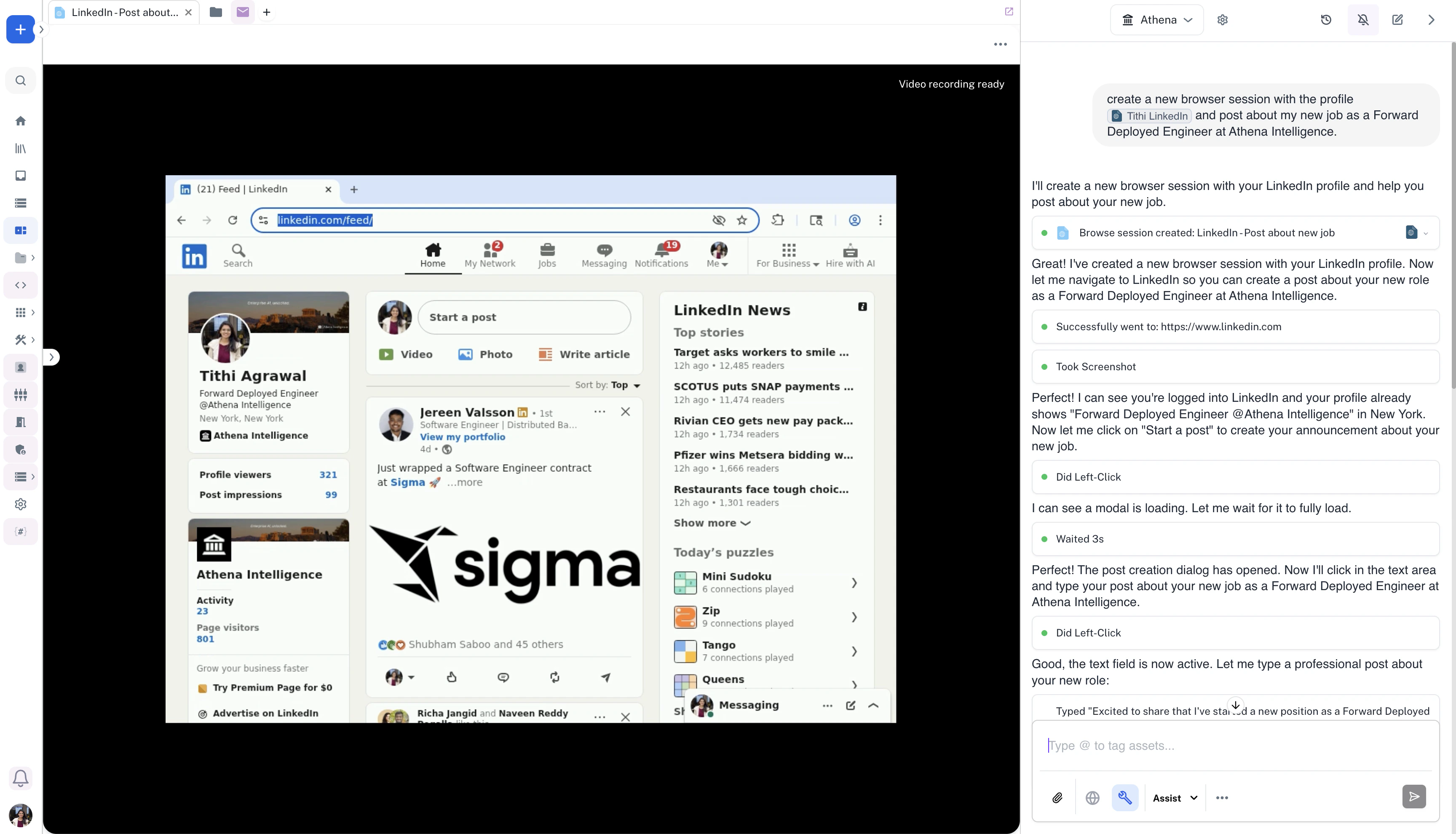
 Watch Athena successfully log into your LinkedIn profile using your saved browser credentials.
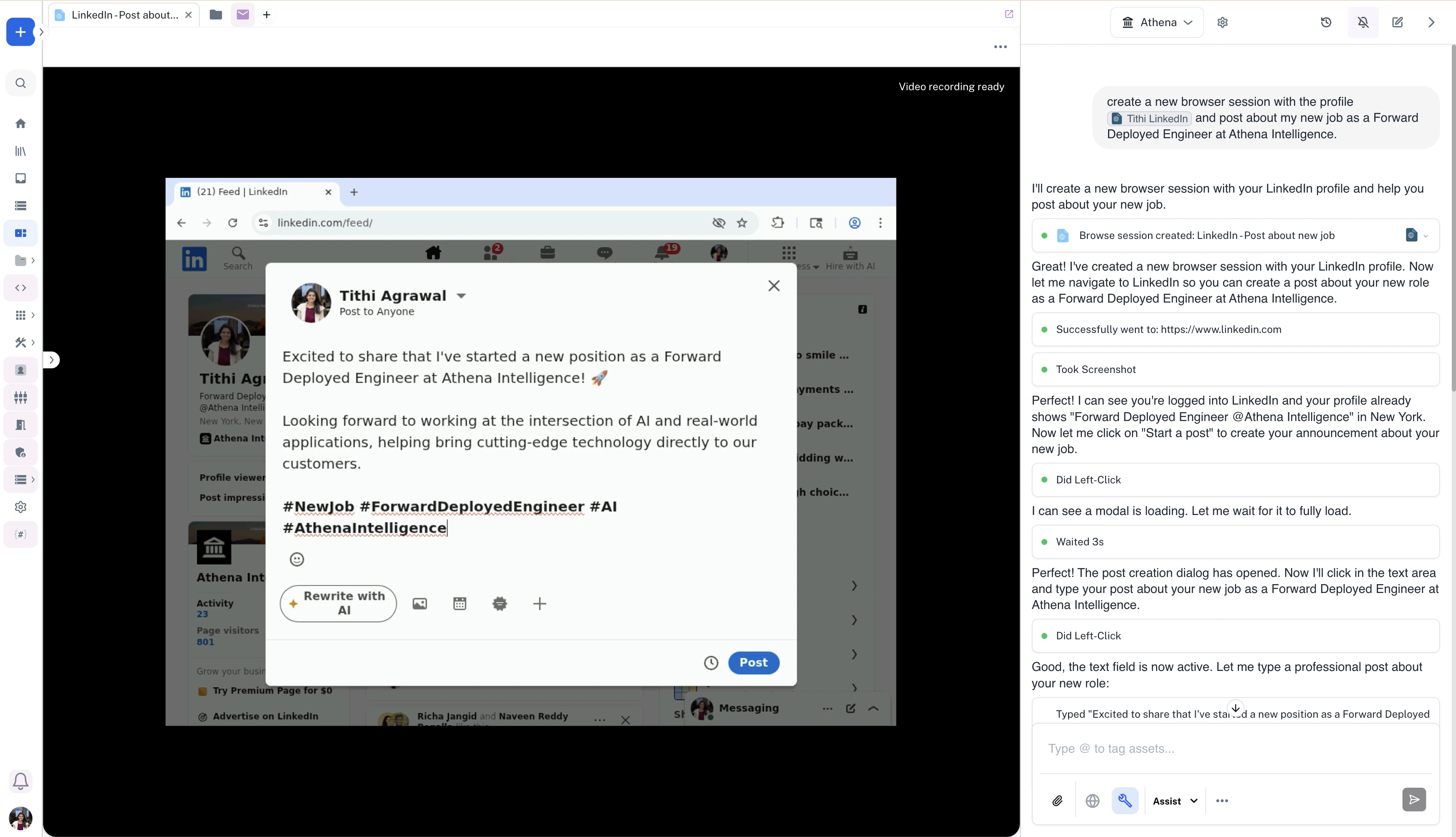
 Athena writes and prepares the LinkedIn post about your new role.