> ## Documentation Index
> Fetch the complete documentation index at: https://resources.athenaintel.com/llms.txt
> Use this file to discover all available pages before exploring further.
# Search
Athena Search is a powerful search functionality that allows you to quickly access and find assets within Athena.
The search interface can be activated using the keyboard shortcut Cmd+k for iOS and Ctrl+K for Windows.
## Key Features
Leverage Athena's core search capabilities to find exactly what you need by filtering across multiple dimensions - from full-text queries to asset types and tags. Watch as Athena automatically ranks your results by relevance, bringing the most important information to the forefront instantly.
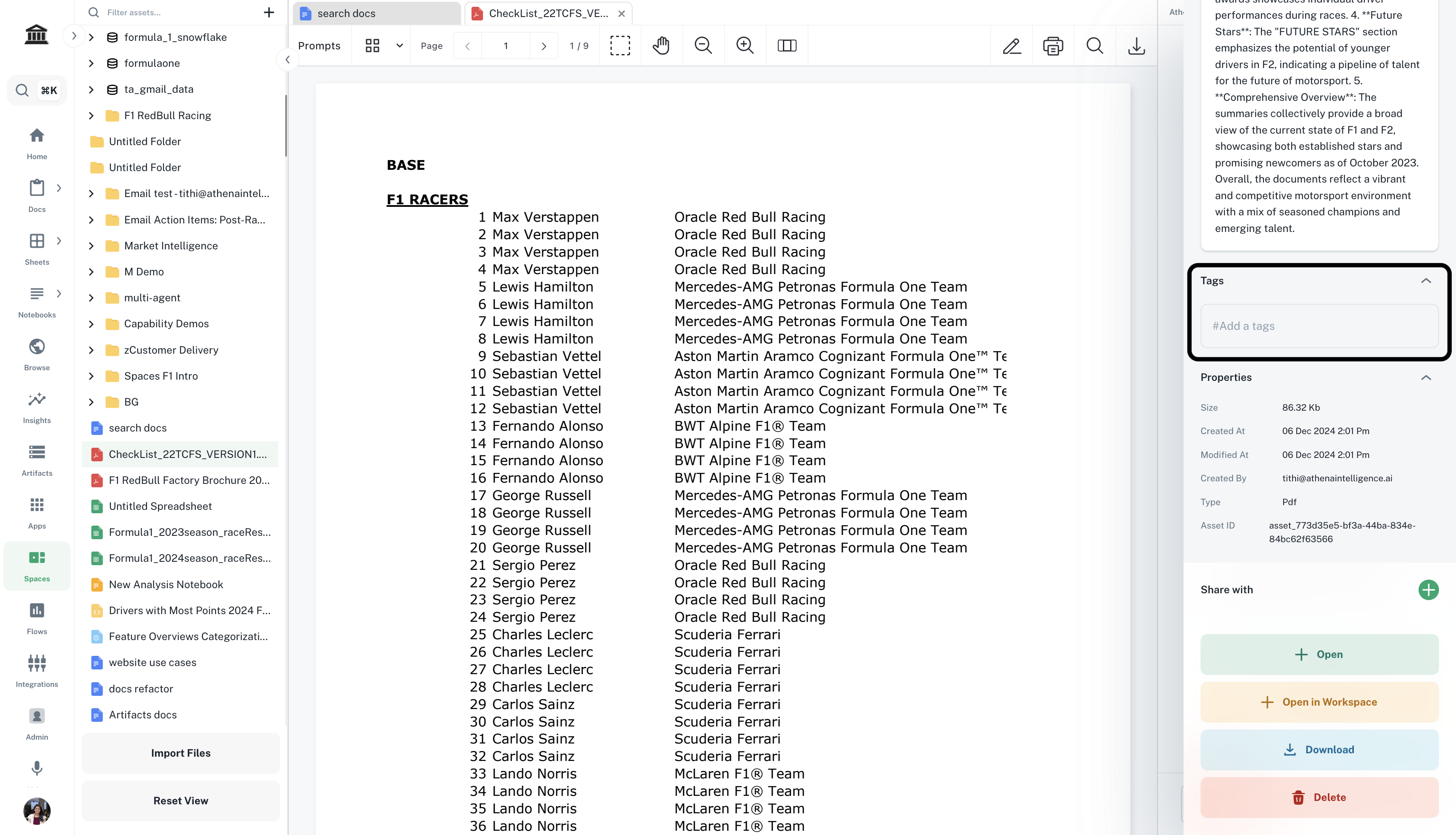
Tags are keywords assigned to assets that help categorize and improve searchability within Athena.
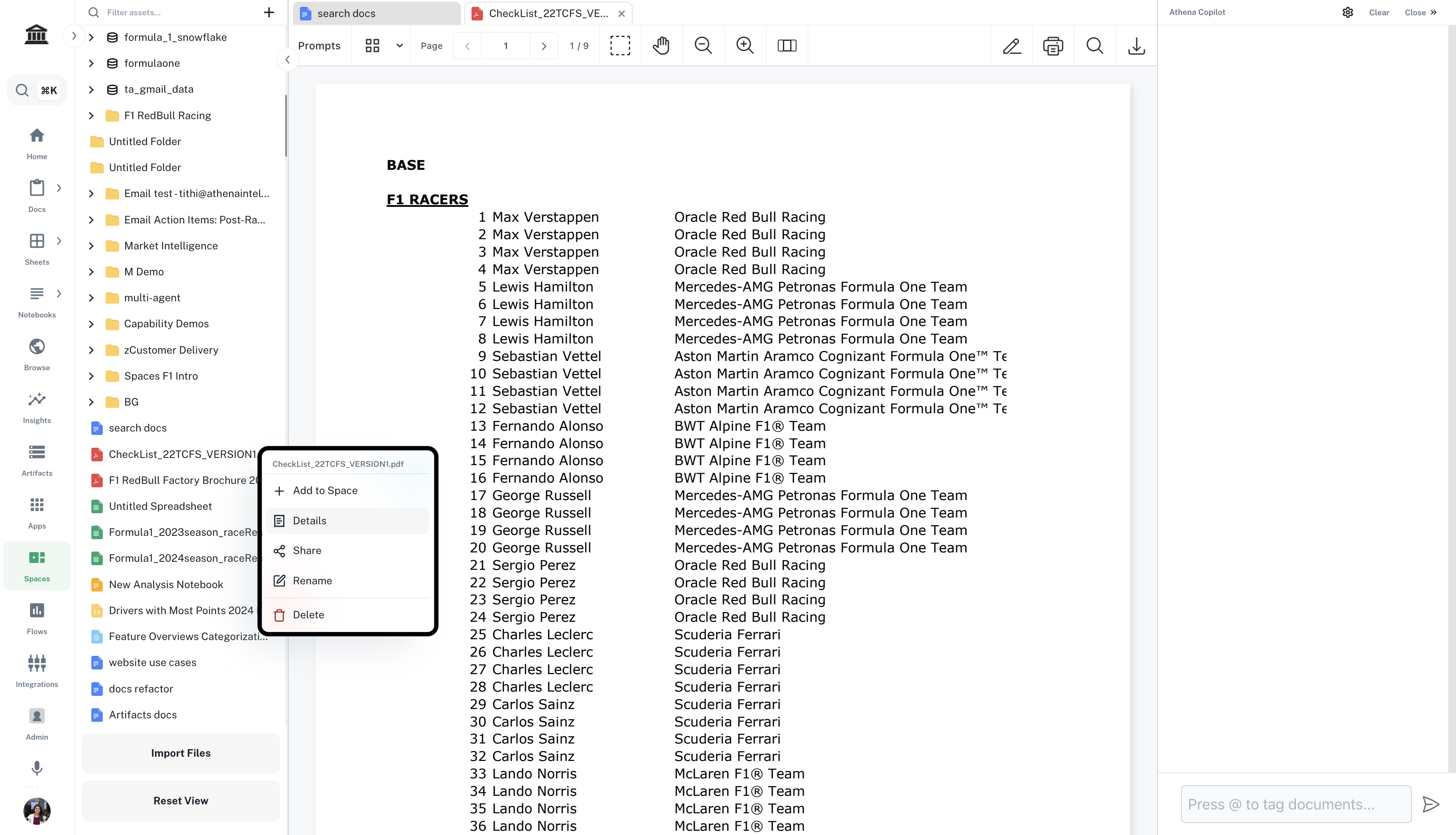
You can add tags to assets inside the Details pane of each asset.
 This documentation is built and hosted on [Mintlify](https://mintlify.com), a developer documentation platform.