> ## Documentation Index
> Fetch the complete documentation index at: https://resources.athenaintel.com/llms.txt
> Use this file to discover all available pages before exploring further.

# Request Account Access and Log In to Athena

> Account setup covers requesting access by email, confirming your address, setting a password, and signing in to the Olympus platform.

This guide will walk you through Athena—covering everything from basic functionalities to unlocking its full potential. With step-by-step instructions and practical tips, learn how to leverage Athena to simplify tasks and enhance productivity.

<Frame caption="How to invite a teammate from Team and pick a role">
  <video controls muted playsInline preload="metadata" className="w-full aspect-video" poster="/images/how-to/athena-howto-invite-teammate-poster.jpg" src="https://mintcdn.com/athenaintelligence-e46bc9d3/7iVHO52a--vJ2WN3/images/how-to/athena-howto-invite-teammate.mp4?fit=max&auto=format&n=7iVHO52a--vJ2WN3&q=85&s=35703845d143b2d62682a17e92adac76" data-path="images/how-to/athena-howto-invite-teammate.mp4" />
</Frame>

<Accordion title="Steps in this video">
  1. Open Team
  2. Invite by email
  3. Add her email
  4. Pick a role
  5. Send Invite
  6. Check she's listed
</Accordion>

<Frame caption="How to create a group in workspace settings and share an AOP with it">
  <video controls muted playsInline preload="metadata" className="w-full aspect-video" poster="/images/how-to/athena-howto-share-with-group-poster.jpg" src="https://mintcdn.com/athenaintelligence-e46bc9d3/7iVHO52a--vJ2WN3/images/how-to/athena-howto-share-with-group.mp4?fit=max&auto=format&n=7iVHO52a--vJ2WN3&q=85&s=2b993e43defa4dbf5a34abd8cbd95f71" data-path="images/how-to/athena-howto-share-with-group.mp4" />
</Frame>

<Accordion title="Steps in this video">
  1. Open Workspace Settings
  2. Create the group
  3. Add the members
  4. Open Share on the AOP
  5. Pick the group
  6. Choose Can view
  7. Share
</Accordion>

<Tip>Explore our curated [video collection](https://www.youtube.com/@athenaintelligence) for detailed tutorials and implementation guides.</Tip>

<Steps>
  <Step title="Get Access">
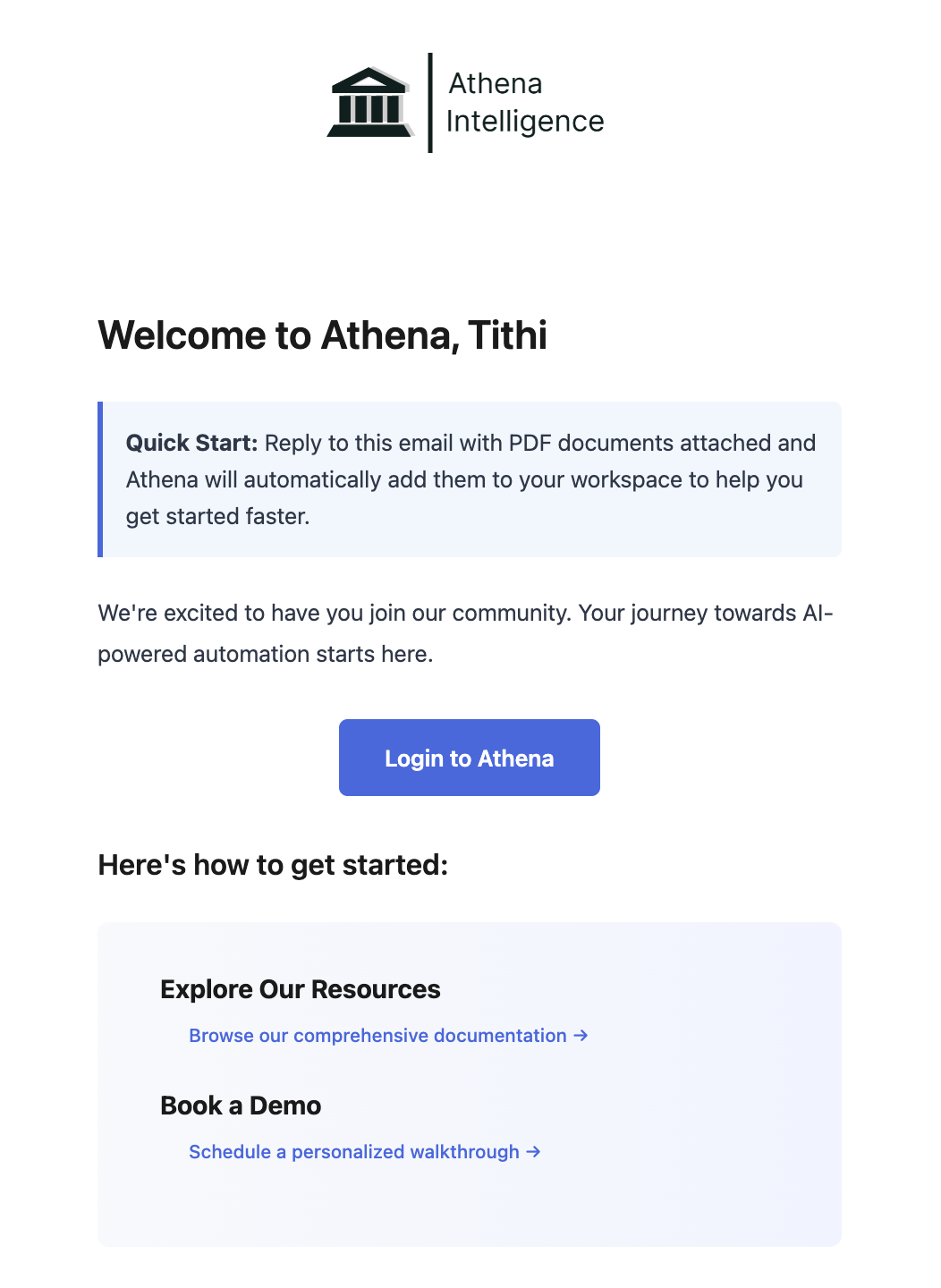
    Request account access by writing an email to [team@athenaintel.com](mailto:team@athenaintel.com). You will get a Welcome email from Athena. Once you confirm your email and set your password, you should be all set.
    <Frame>
      <img height="300" width="300" src="https://mintcdn.com/athenaintelligence-e46bc9d3/uHIRzQcn8b73jJ6H/images/welcome-email.png?fit=max&auto=format&n=uHIRzQcn8b73jJ6H&q=85&s=af7b06b0468a4ed3b1fda49faf24d98c" data-path="images/welcome-email.png" />
    </Frame>
  </Step>

  <Step title="Login">
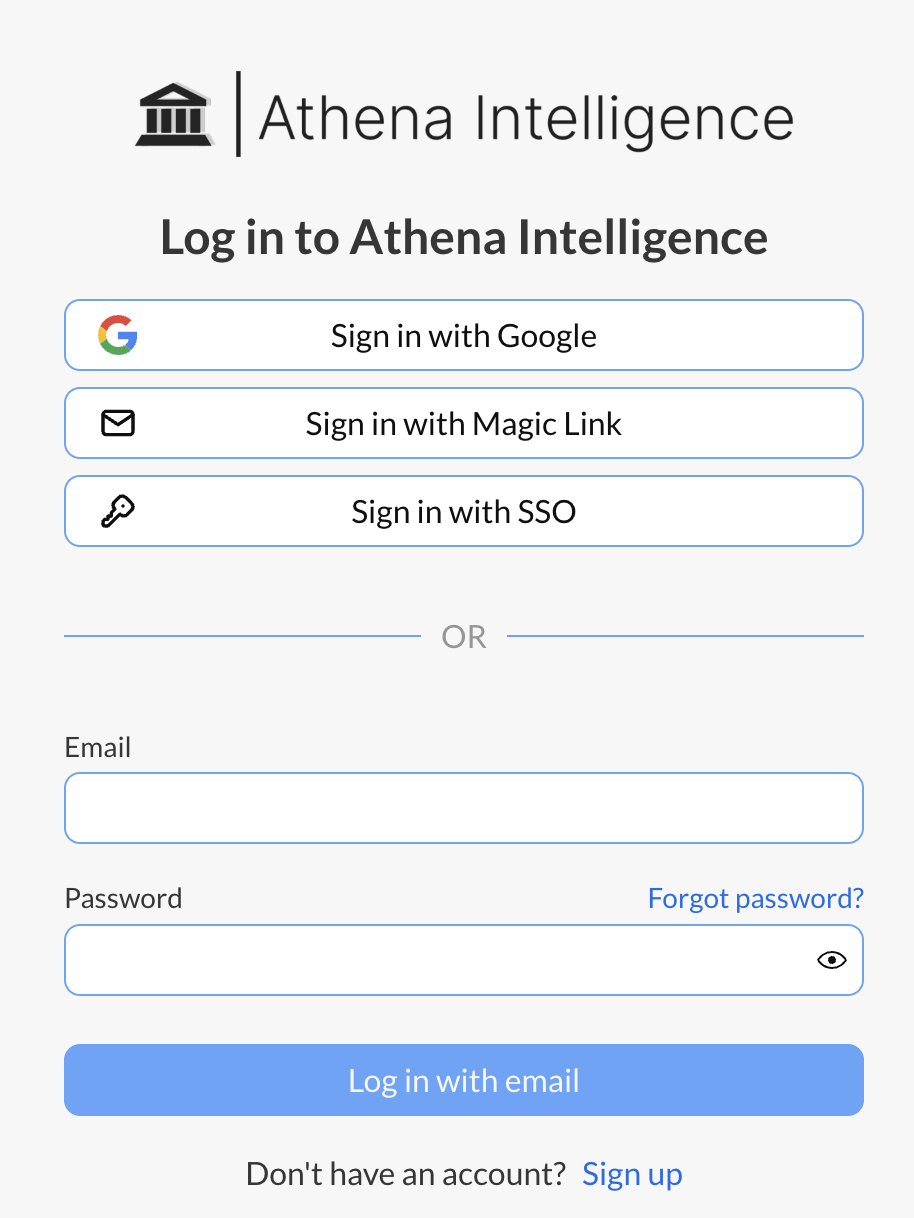
    Navigate to [Olympus](https://app.athenaintel.com/). Login using your credentials.
    <Frame>
      <img height="300" width="300" src="https://mintcdn.com/athenaintelligence-e46bc9d3/90btWVz9KlRtRqc4/images/login-step1.png?fit=max&auto=format&n=90btWVz9KlRtRqc4&q=85&s=457f961ae7acbbc54ff924c9dbc98e71" data-path="images/login-step1.png" />
    </Frame>
  </Step>

  <Step title="Get Started">
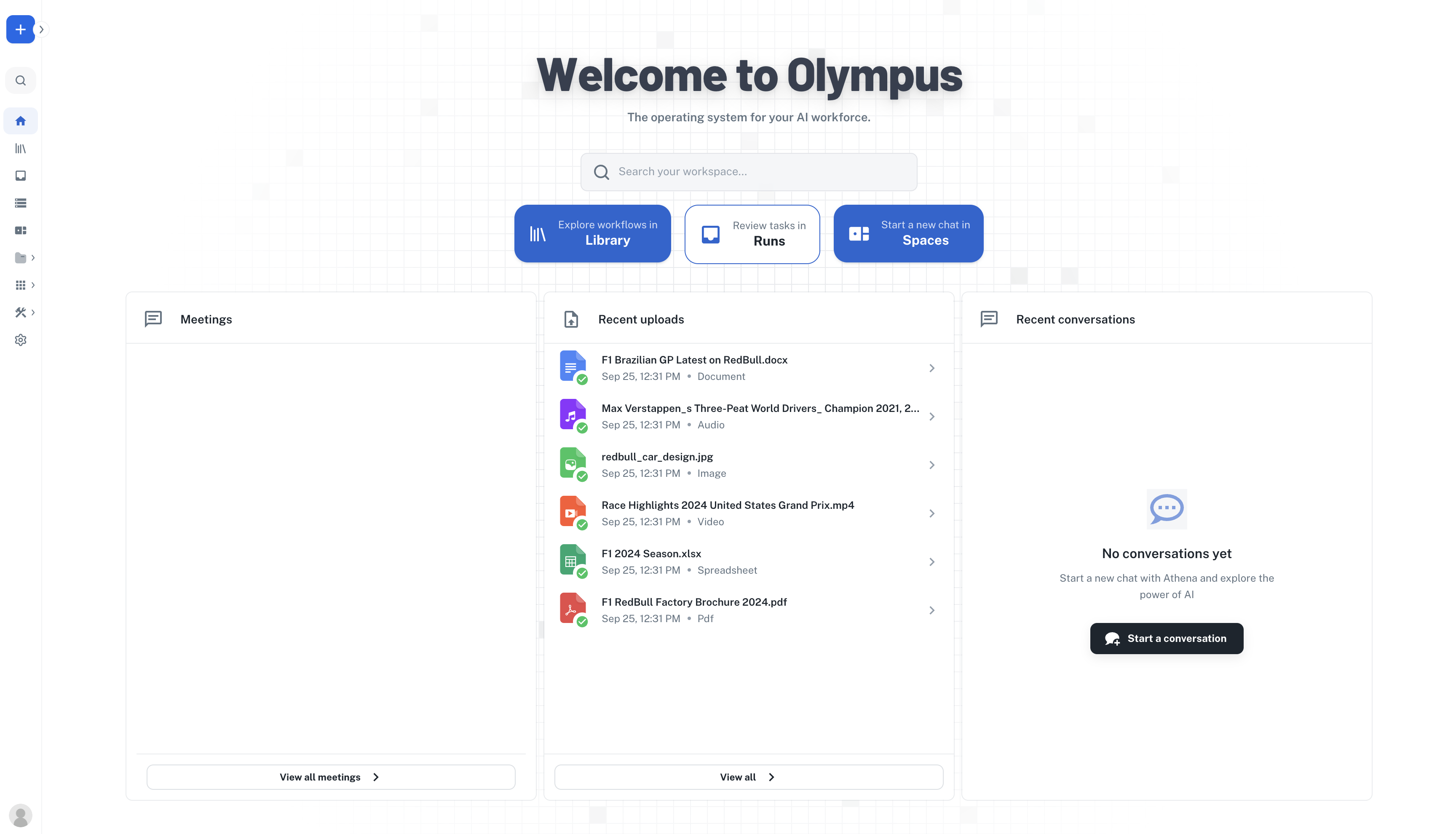
    Once you are logged in, read the following guides to understand more and use Athena.
    <Frame>
      <img src="https://mintcdn.com/athenaintelligence-e46bc9d3/aQorAfz9S9NqlSen/images/homepage.png?fit=max&auto=format&n=aQorAfz9S9NqlSen&q=85&s=fa40adb667f353b87327fff477e407a7" width="3456" height="1980" data-path="images/homepage.png" />
    </Frame>
  </Step>
</Steps>

<Frame>
  <iframe title="vimeo-player" src="https://player.vimeo.com/video/1137059517?h=ce6e7d1758" width="640" height="360" frameborder="0" referrerpolicy="strict-origin-when-cross-origin" allow="autoplay; fullscreen; picture-in-picture; clipboard-write; encrypted-media; web-share" allowfullscreen />
</Frame>


This documentation is built and hosted on [Mintlify](https://mintlify.com), a developer documentation platform.